Free Premiere Pro Presets Templates
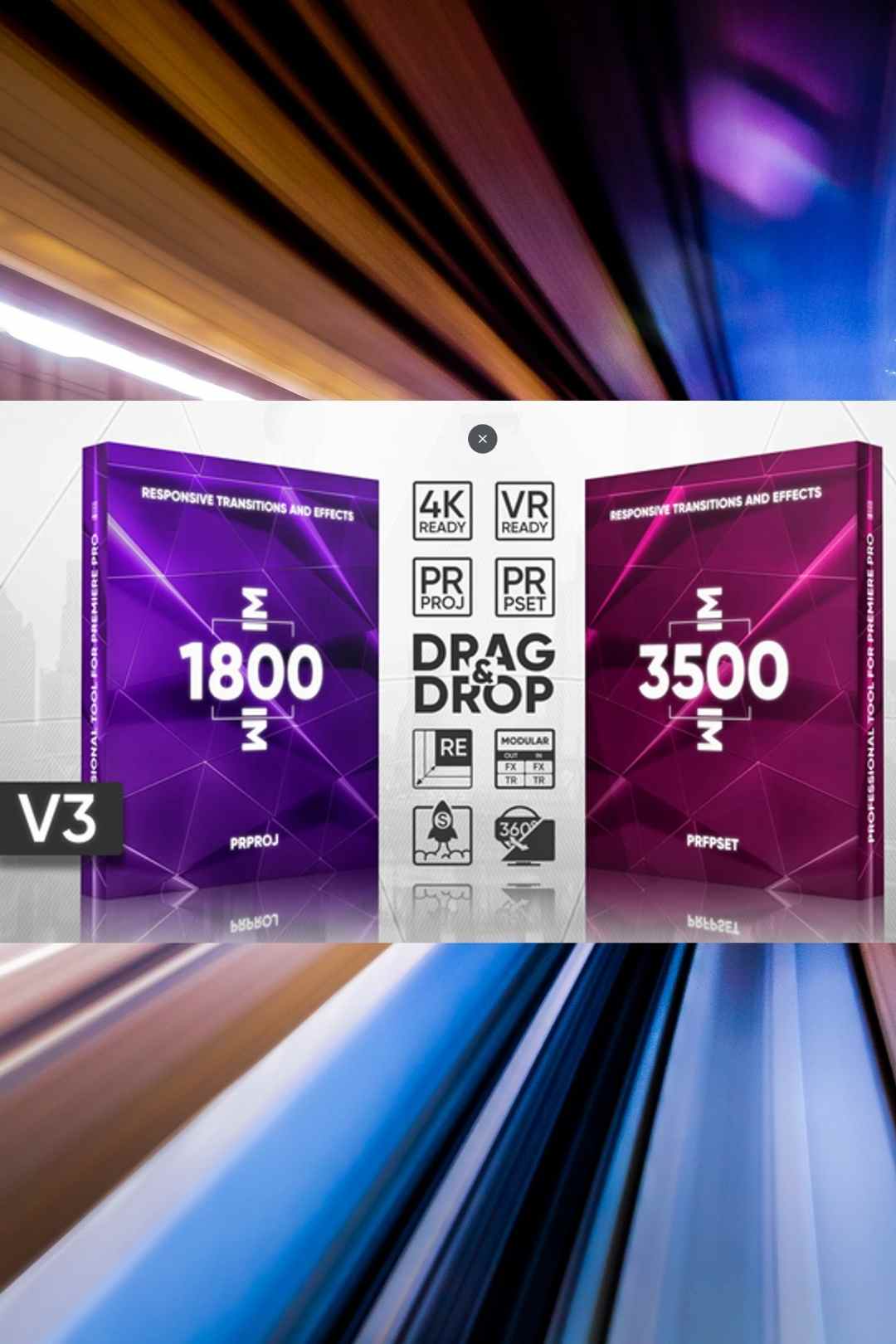
Download free Premiere Pro transition templates and take your edits to the next level. Our collection covers smooth zoom transitions, glitch effects, light leaks, film burns, whip pans, spin transitions, and cinematic wipes. Each transition template is fully customisable with adjustable speed, colour, and intensity to match your editing style. Compatible with Adobe Premiere Pro CC 2019 and later. Simply install the template, drag it between your clips on the timeline, and adjust to taste. No plugins required unless stated on the individual download page. Perfect for YouTube videos, travel vlogs, music videos, and social media content.
Paid Premiere Pro Presets Templates
Download free Premiere Pro transition templates and take your edits to the next level. Our collection covers smooth zoom transitions, glitch effects, light leaks, film burns, whip pans, spin transitions, and cinematic wipes. Each transition template is fully customisable with adjustable speed, colour, and intensity to match your editing style. Compatible with Adobe Premiere Pro CC 2019 and later. Simply install the template, drag it between your clips on the timeline, and adjust to taste. No plugins required unless stated on the individual download page. Perfect for YouTube videos, travel vlogs, music videos, and social media content.
Generate videos, images, music and voiceovers with AI + unlimited downloads
Start Creating Now!
Why Use Free Presets in Adobe Premiere Pro?
Unlock the power of video editing with free Adobe Premiere Pro presets, a game-changer for creators on a budget. These free video editing presets save you hours of manual tweaking, offering professional-grade effects like cinematic looks and seamless transitions at no cost. Whether you’re a beginner or a seasoned editor, using Premiere Pro presets free download options boosts your workflow and creativity. Why spend money when free Adobe Premiere Pro presets deliver stunning results instantly?
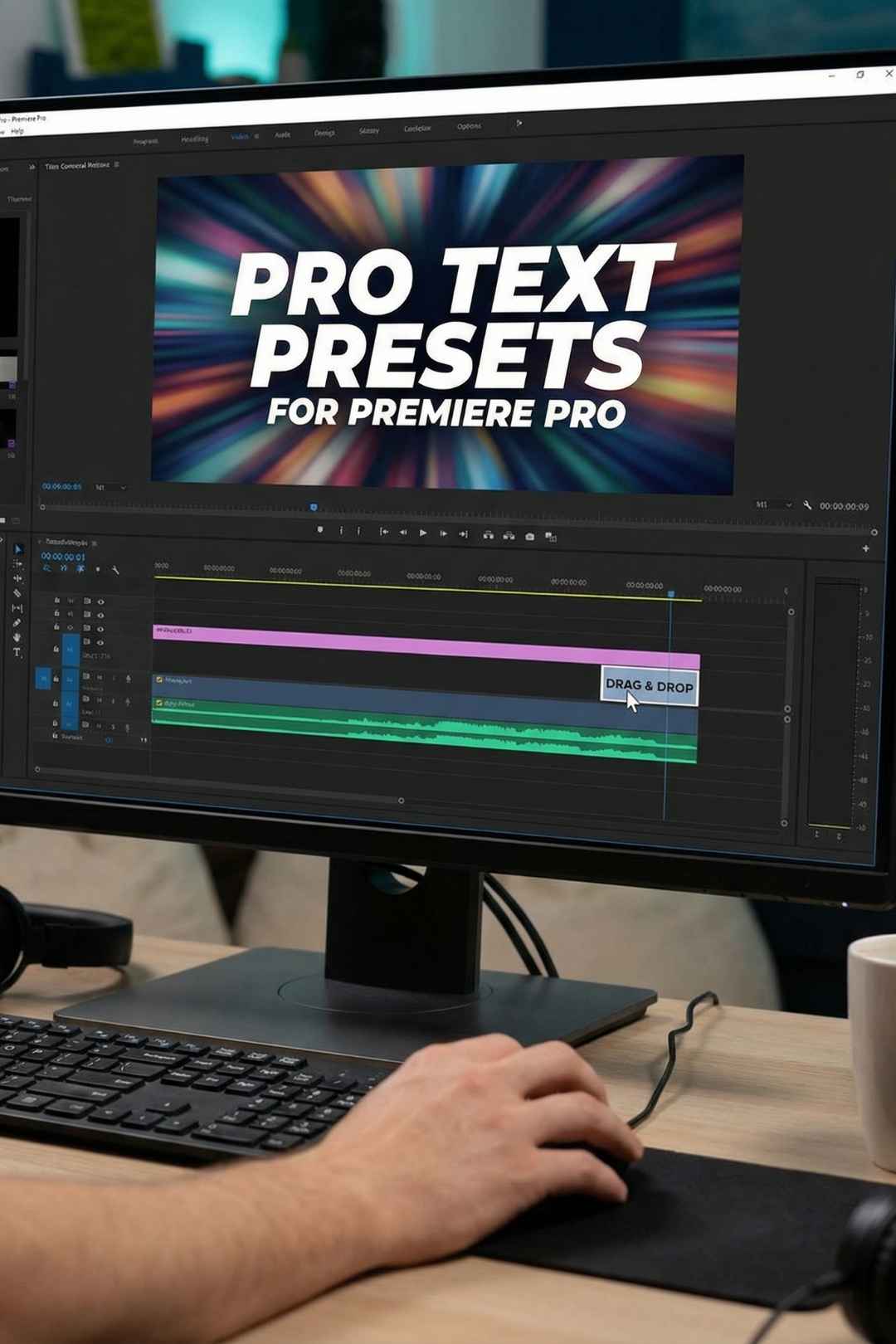
To install Premiere Pro presets, start by downloading the preset files from a trusted source. Once you have the files, open Adobe Premiere Pro and navigate to the Effects panel. Right-click inside the panel and select Import Preset to bring up the file explorer. Locate the preset files you downloaded, select them, and click Open. The presets will now appear in your Effects panel, ready to be applied to your videos. You can drag and drop the presets onto clips in your timeline for instant results. It's a simple process that enhances your workflow and adds professional touches to your videos without much effort.
Adobe Premiere Pro free presets are great for beginners and intermediate users who want to implement effects which are difficult to create or are used repetitively. Even professional video producers use our presets when creating complex videos inside of Premiere Pro! By using presets for various types of visuals such as transitions, color gradings & templates, video editors can cut down on the time it takes for them to edit, whilst improving the quality and consistency of their production.
.avif)

.jpg)









.jpg)

.avif)
.avif)
.avif)
.avif)
.avif)


