.avif)
Freevisuals

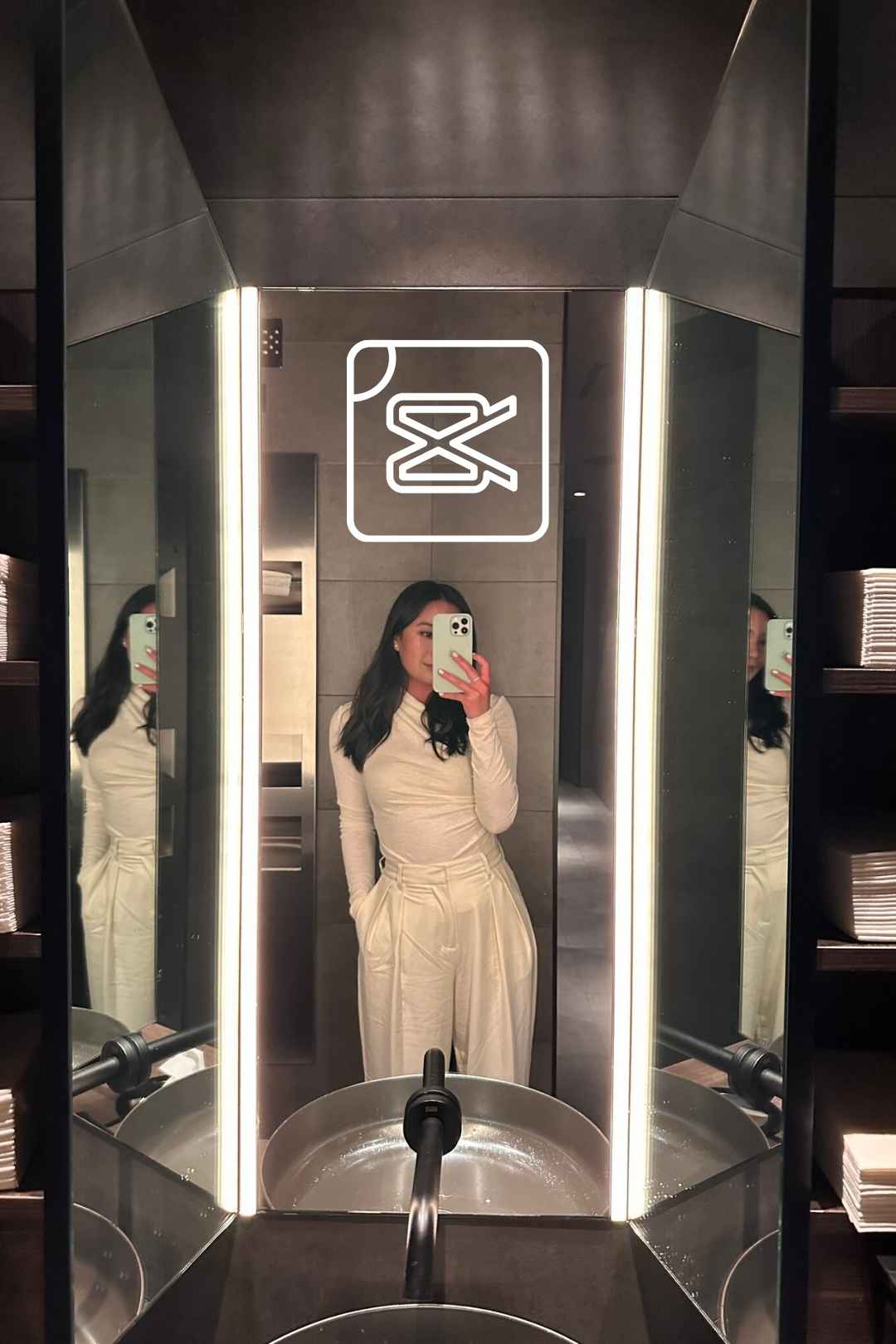
Free CapCut templates for the no mirror trend, a mobile-ready 9:16 vertical template for polished TikTok and Instagram content.
Download FREEGo Pro To DownloadDownload NOW!The no mirror trend emerged as a genuinely clever solution to a common content creation problem, showing off an outfit or look without needing an actual mirror, a bathroom setting, or the awkward phone-in-shot reflection that traditional mirror selfies involve. Free Photo Transition No Mirror Trend is a CapCut template built specifically around this format, using a smooth photo transition technique to reveal an outfit or style directly from a standalone photo rather than a mirror reflection.
These free CapCut templates are ready to download and edit directly in the CapCut app, no watermark, no subscription required.
If you're building a fashion or style content series around this template, our CapCut templates library covers additional trend-based formats to pair with it, and for music suited to fashion and style content, Artlist and Epidemic Sound both carry trend-friendly tracks well suited to this kind of format.
Traditional mirror outfit videos come with a specific set of practical challenges, finding good lighting in a bathroom or bedroom mirror, keeping the phone or camera out of frame, and dealing with reflections and glare that can undermine an otherwise well-composed shot. The no mirror trend emerged specifically as a workaround to these challenges, using photo transition editing techniques to simulate the reveal quality of a mirror check without any of the physical or lighting limitations an actual mirror setup involves.
Free Photo Transition No Mirror Trend is built to replicate this exact editing technique, giving creators access to the trend's signature smooth reveal without needing to manually build the specific transition timing and effect layering that makes it work. This is particularly valuable for creators who may not have access to a well-lit, glare-free mirror setup, or who simply prefer working from photos taken in more flattering, controlled conditions than a typical bathroom mirror allows.
The core use case this trend is built for, letting fashion creators showcase a specific outfit or styling choice without needing an actual mirror setup.
Creators documenting their personal style evolution or wardrobe choices can use this template to present each look cleanly and consistently.
Clothing brands and retailers can use this template format to showcase products on a model or in flat-lay photography without needing an in-store mirror setup for filming.
Personal stylists showcasing client looks or portfolio work can use this template to present styling choices in a polished, trend-aware format.
Creators showcasing a costume or cosplay look can use this same reveal technique to build anticipation before the full look is shown.
Head to the download page and open the template link, which should launch directly within the CapCut app.
Once the template opens in CapCut, tap "Use template" to begin customizing it with your own content.
Take or select a well-lit, clear photo of the outfit or look you want to showcase, ideally shot against a clean, uncluttered background.
Tap the placeholder within the template and replace it with your own prepared photo.
Play through the template to see how the built-in transition reveals your specific photo.
If your specific photo needs slightly different timing to land well within the transition, adjust the relevant settings within CapCut's timeline editor.
Swap the template's default audio for your own music choice if you have a specific trend sound or song in mind.
If the template includes editable text fields, update them with your specific outfit details, brand tags, or caption information.
Play through the complete edit to confirm the transition timing and overall reveal feel polished and intentional.
Export at your platform's recommended settings, typically 1080p vertical for TikTok, Instagram Reels, and YouTube Shorts.
The no mirror trend's core technical achievement is creating a sense of natural reveal and movement from what is fundamentally a static photograph, using motion tracking, subtle zoom, and carefully timed transition effects to simulate the kind of natural camera movement and reveal quality a genuine mirror check would have. This technique draws on broader photo animation and parallax effect principles that have become increasingly sophisticated and accessible within mobile editing apps like CapCut specifically.
Understanding that this apparent simplicity, a single photo becoming a dynamic, engaging reveal moment, actually depends on carefully calibrated timing and movement helps explain why a purpose-built template provides genuine value here. Recreating this specific transition manually would require understanding keyframe animation, motion tracking, and precise timing work that goes beyond what most casual creators would want to build from scratch for a single piece of content.
Using a poorly lit or low resolution source photo. Since the entire trend depends on this single photo carrying the visual weight of the reveal, image quality matters considerably more here than in content with continuous video footage to fall back on.
Choosing a cluttered or distracting background. A clean background keeps viewer attention on the outfit or look itself, which is the actual point of this specific content format.
Ignoring the trend's specific pacing conventions. Since this is a recognizable trend format, deviating too far from the established reveal timing and structure can make content feel disconnected from what viewers specifically expect from this trend.
Not testing the transition against your specific photo before finalizing. Different photos can interact somewhat differently with the built-in transition effect, always preview before committing to a final export.
How to Use CapCut Templates (2025 Guide), Fast And Easy Video Editing, useful for a general walkthrough of customizing a CapCut template like this one with your own photo content.
How to Use CapCut Templates, Full Guide, additional background on the CapCut template customization workflow.
For creators specifically building an ongoing outfit or style content series, using this template consistently across multiple posts helps establish a recognizable visual format that followers come to expect and look forward to, similar to how a consistent intro or transition style builds recognition for any recurring content format. Since the template handles the technical transition work automatically, the main variable between posts becomes your actual outfit and styling choices, letting your specific fashion sense and personality carry the content rather than needing new technical execution decisions for every single post.
This consistency also makes it easier for followers to specifically seek out and engage with this type of content from your account, since a recognizable format helps your specific style content stand out within a follower's broader feed, particularly valuable for creators building a personal brand specifically around fashion or styling expertise.
Beyond personal style content, this template format translates well to retail and small business marketing specifically, since the core technique, a clean photo revealing an outfit or product through a polished transition, works equally well for a business showcasing merchandise as it does for an individual creator showcasing personal style. Clothing retailers, boutiques, and independent designers can use this same trend format to present new arrivals or featured pieces in a way that feels native to how audiences already engage with fashion content on social platforms, rather than looking like a more traditional, obviously promotional product photo.
This kind of trend-native marketing approach tends to perform better on social platforms specifically because it doesn't interrupt a viewer's typical scrolling experience the way overtly promotional content sometimes can, blending naturally into a feed already full of similar style and fashion content from individual creators.
Since this template's technique works from a single photo per piece of content, creators planning to use this format regularly benefit from batching their photo preparation rather than shooting a single outfit photo each time a new post is needed. Setting aside a dedicated session to photograph several different outfits or looks in one sitting, under consistent lighting and against a consistent background, gives you a ready supply of source material to work through across several future posts without needing to arrange a new photo shoot for every single piece of content.
This kind of batching approach considerably reduces the ongoing time investment required to maintain a regular posting schedule around this specific content format, letting you front-load the photography work during a single dedicated session rather than treating each individual post as requiring its own separate photo shoot and preparation process.
No, that's the specific point of this trend, it works from a standalone photo rather than requiring an actual mirror setup.
A well-lit, clear photo shot against a clean background, ideally a full-body shot for the clearest outfit reveal.
Yes, free for both personal and commercial content, including retail and fashion brand marketing.
Yes, you can swap the audio track for your own music choice directly within CapCut's editor.
It's built for vertical, social-first content, suited to TikTok, Instagram Reels, and YouTube Shorts.
Yes, the same reveal technique works well for retail and product marketing, not just personal style content.
Affiliate Disclosure: This post may contain affiliate links. If you make a purchase through one of these links, FreeVisuals may earn a commission at no extra cost to you. We only recommend products and platforms we genuinely believe in. Read our full disclosure policy.
Download free video templates, LUTs, and presets for Premiere Pro, After Effects, DaVinci Resolve, CapCut, and Final Cut Pro.













