.avif)
Freevisuals

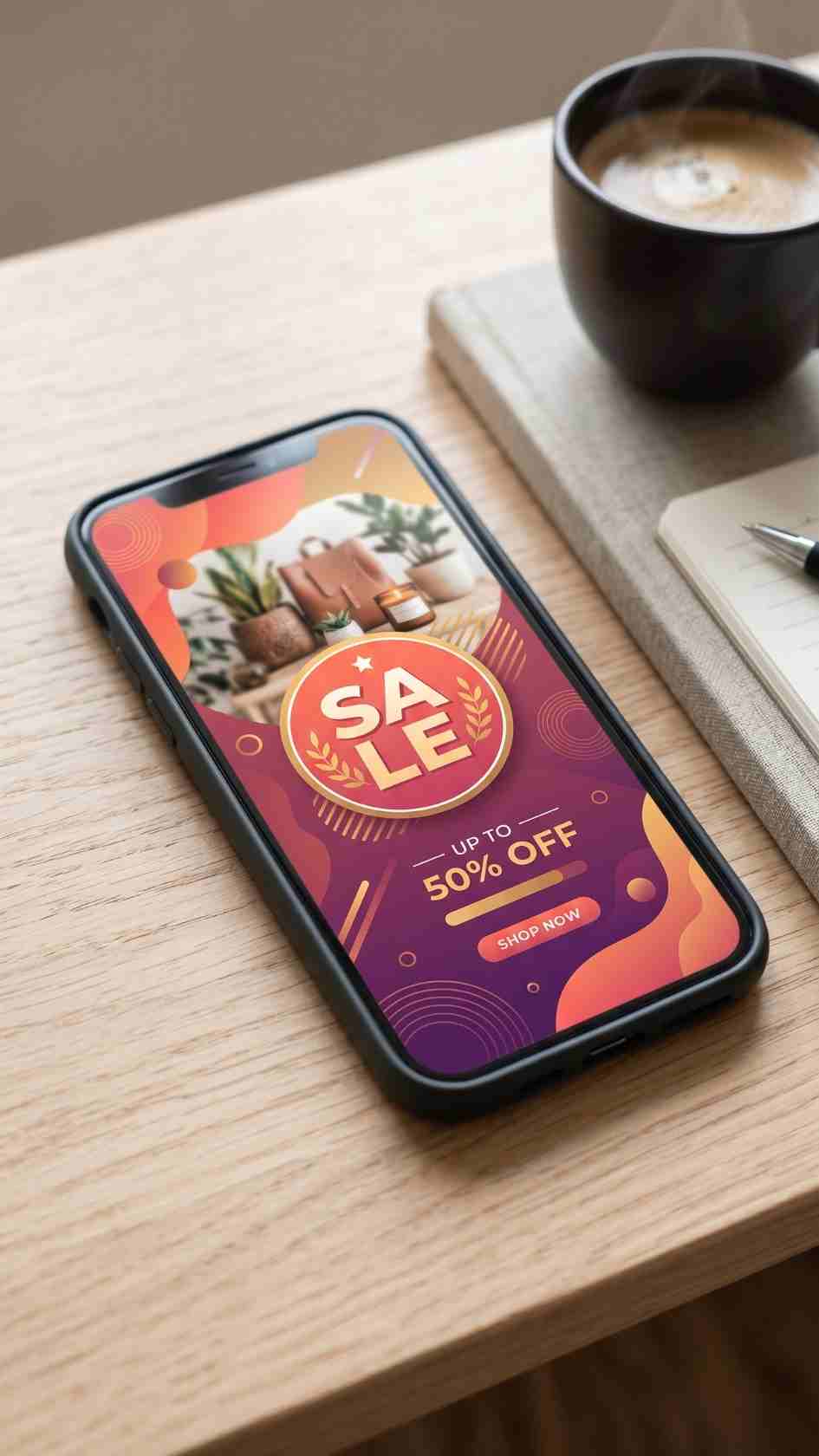
Free Adobe After Effects beautifully designed Instagram story ad template. Perfect for promoting products from an ecommerce and drop shipping or physical
Download FREEGo Pro To DownloadDownload NOW!
Having a large Instagram following means nothing if you're unable to get your audiences attention when selling online. Enhance your viewer retention rate & gain more potential customers by using this beautifully designed Instagram story ad In Adobe After Effects. Perfect for promoting products from an ecommerce and drop shipping or pInstagram Story Promotional Video
Promotional Stories content lives or dies on speed, both how quickly it grabs attention in that first second of viewing, and how quickly you can actually produce it when a sale, launch, or announcement needs to go out today rather than next week. Instagram Story Promotional Video is built around that specific need, a vertical, Stories-ready template designed to turn a product photo, offer, or announcement into a polished piece of promotional content without starting from a blank canvas.
If you're building a broader promotional content calendar around this template, our Premiere Pro templates library and Final Cut Pro templates library both cover additional social and promotional formats to pair with it, and for music suited to short, promotional Stories content, Artlist and Epidemic Sound both carry upbeat, brand-friendly tracks built for exactly this kind of quick promotional format.
Promotional content operates under a different set of constraints than most other video categories, a flash sale, a limited-time offer, or a same-day announcement loses value the longer it takes to actually get published. This creates real tension for creators and small businesses who want their promotional content to look genuinely professional, but don't have hours to spend designing a new graphic from scratch every time a promotion needs to go out, particularly for businesses running frequent, time-sensitive campaigns throughout the year.
Instagram Story Promotional Video is built to resolve that tension directly, giving you a design foundation that's already handled the composition, spacing, and pacing decisions, so your actual work is limited to swapping in your specific offer, image, and brand color. This turns what might otherwise be an hour of design work into a task that can realistically be finished in the time it takes to write the offer copy itself.
The core use case this template is built for, giving time-sensitive promotional content a polished look without slowing down how quickly it can actually be published.
Businesses launching a new product can use this template to create a Stories announcement quickly, keeping momentum around a launch without a design bottleneck.
Service businesses promoting an upcoming event, workshop, or available appointment slots can use this template's editable text fields to communicate specific details clearly.
Retailers and service businesses running seasonal campaigns can adapt this template's color and text quickly for each specific seasonal push throughout the year.
Creators and small business owners without a dedicated design resource benefit most directly from this kind of ready-made promotional structure, since it removes the design step that often becomes a bottleneck for regular promotional content.
Head to the download page and grab the template file.
Unzip the downloaded folder into a dedicated project directory, keeping it organized alongside your other project assets.
Import the template file into your project following your specific editing software's standard import process, checking the included instructions for the exact steps required for this particular file.
Confirm your project is set to a vertical format before applying the template, so the composition displays correctly from the start.
Drag the template onto your timeline, positioning it at the point where you want the promotional content to appear.
Drag your own product photo, video clip, or brand imagery into the template's designated placeholder.
Update the headline, offer details, or announcement copy with your specific promotional message.
Use the template's color controls to align the design with your existing brand palette rather than relying on the default colors.
Check that your key text and offer details sit clear of where Instagram's own interface elements, reply field, profile icon, progress bar, will overlay the frame once published.
Confirm timing and legibility, then export using settings appropriate for Instagram Stories delivery.
The real value in a template like this compounds the more consistently it's used across a regular promotional schedule, rather than being treated as a one-off solution for a single campaign. Businesses running recurring promotions, weekly deals, monthly features, seasonal pushes, benefit from establishing a small set of pre-customized variations of this template ahead of time, so each new promotion only requires swapping in the specific offer and image rather than rebuilding the design decisions from scratch.
This kind of upfront investment in a repeatable workflow pays off considerably over time, turning what could be a recurring design task into something closer to filling in a form. For businesses running promotional content weekly or more often, this time saving adds up into meaningfully more capacity for actually planning what to promote rather than spending that time on production logistics.
Beyond the visual design itself, promotional Stories content that genuinely drives action tends to share a few underlying characteristics worth understanding before customizing this template for a specific campaign. Urgency and specificity both matter considerably more than general brand awareness messaging in this particular format, a viewer swiping through Stories is looking for a reason to stop and act right now, not a general impression to file away for later. Vague messaging, a nice looking graphic with no clear offer or deadline, tends to underperform compared to specific, time-bound promotional content even when the underlying design quality is identical.
This is worth keeping in mind specifically when filling in this template's editable text fields, resist the temptation to use the space for general brand messaging when a specific, time-sensitive offer would do more actual work. A clear discount percentage, a specific deadline, or a limited quantity claim, when genuinely accurate, tends to produce meaningfully better results than a well-designed but vague promotional message, regardless of how polished the underlying template itself looks or how much time went into its visual customization.
Since this template is designed for quick, repeated reuse across many different promotional pushes, it's worth building a simple habit of tracking which specific variations, color choices, offer framing, call to action wording, actually perform best for your specific audience over time. Instagram's own Stories analytics provide basic engagement data, tap-forward rate, exit rate, reply rate, that can meaningfully inform which promotional approaches are worth repeating and which aren't landing as well as expected. Reviewing this data every few weeks, rather than only after a single campaign, helps separate genuine patterns in what resonates with your specific audience from ordinary week-to-week variation that isn't necessarily meaningful on its own.
Rather than treating every promotional Stories post as an isolated, one-off piece of content, keeping a simple running record of what specific approach was used for each post, alongside how it performed, turns this template into an increasingly effective tool over time, since each new promotion can build on genuine performance data from previous ones rather than starting from the same default assumptions every single time. Even a basic spreadsheet noting the date, offer type, and resulting engagement metrics for each promotional post gives a small business or solo creator a genuinely useful reference point after just a handful of campaigns, without requiring any dedicated marketing analytics tooling beyond what Instagram itself already provides.
Overcrowding the frame with too much information. Promotional Stories content works best with one clear message, resist the urge to include every detail about an offer in a single Stories frame.
Placing key text behind platform interface elements. Instagram's own interface overlays the top and bottom of the Stories frame, keep critical text and offer details within the safe, unobstructed middle portion.
Ignoring brand consistency across different promotions. Even quick, time-sensitive promotional content benefits from maintaining recognizable brand colors and style, rather than looking visually disconnected from a business's other content.
Publishing without a clear, specific call to action. A promotional Stories post without a clear next step for the viewer wastes much of its potential value, always include a specific, actionable prompt.
DaVinci Resolve Tutorial: Zoom In And Out (Ken Burns Effect), useful background on animating a still product photo within a vertical frame if your promotional content uses photography rather than video.
Check the specific download page for the confirmed software compatibility and version requirement for this template.
Yes, all three are designed to be editable directly within your editing software once the template is applied to your timeline.
Both, though it delivers the most time-saving value when reused consistently across a recurring promotional schedule rather than a single one-off campaign.
Check the specific license terms on the download page to confirm coverage for your intended commercial use case before using it in paid client or agency work.
Yes, the template's flexible media placeholder and editable text support both product photography and service-based promotional messaging equally effectively.
Save a customized version of this template with your specific brand colors and font as your default starting point, rather than adjusting from scratch for every new promotion or seasonal campaign.
Affiliate Disclosure: This post may contain affiliate links. If you make a purchase through one of these links, FreeVisuals may earn a commission at no extra cost to you. We only recommend products and platforms we genuinely believe in. Read our full disclosure policy.
Download free video templates, LUTs, and presets for Premiere Pro, After Effects, DaVinci Resolve, CapCut, and Final Cut Pro.













