.avif)
Freevisuals
CapCut Pad has launched on the Google Play Store for Android tablets, and the marketing language makes a specific claim: desktop-level video editing on a touch interface. The app is published by the same team behind CapCut, which has become the dominant short-form video editing application globally with hundreds of millions of active users across TikTok, Instagram, and YouTube Shorts workflows.
The 9to5Google report from May 27, 2026 confirms the key specifications: 4K at 60 frames per second with HDR export, a multi-track timeline expanded from the standard mobile app, chroma key, video stabilization, keyframe animation, and smooth slow motion. The base app is free. Certain features require CapCut Pro at approximately $10 per month, though CapCut does not publish its pricing publicly, it is only visible inside the app itself.
Here is a complete breakdown of what CapCut Pad actually offers, how it compares to the mobile app and to desktop editing alternatives, who it is designed for, and what the free and premium asset toolkit looks like when you are editing on a tablet rather than a workstation.
The standard CapCut app on Android phones is optimised for a small portrait screen. The interface is built around a bottom-mounted toolbar, a short timeline strip above it, and a full-screen preview above that. For the editing workflows that drive CapCut's popularity — short-form TikTok and Reels content, quick cuts, template application, text overlay, and basic colour treatment (this layout works well). The phone screen is large enough to see what you are doing and small enough that touch accuracy is manageable.
On a tablet, these constraints change. A 10 to 12 inch display gives enough screen real estate to display a proper multi-track timeline, a full-size preview, and a complete toolbar simultaneously without any of them being too small to interact with precisely. The challenge of adapting a mobile editing app to tablet format is not simply scaling up the interface, it requires rethinking the layout hierarchy to take advantage of the additional space in a way that produces a meaningfully better editing experience rather than just a larger version of the phone layout.
CapCut Pad is a dedicated application built for this context rather than the standard app scaled to a larger screen. As 9to5Google reported, the app features an expanded UI specifically designed for tablet use, with precise multi-track timeline editing as a core differentiator. This is the meaningful distinction: not the features themselves, which largely overlap with the desktop CapCut application, but the ability to access them in a touch-first interface on a portable device that you can use on location, on a plane, or anywhere a laptop is impractical.
The gap between what a high-end Android tablet can process and what mobile editing apps have offered it has been visible for years. CapCut Pad is a direct attempt to close it.
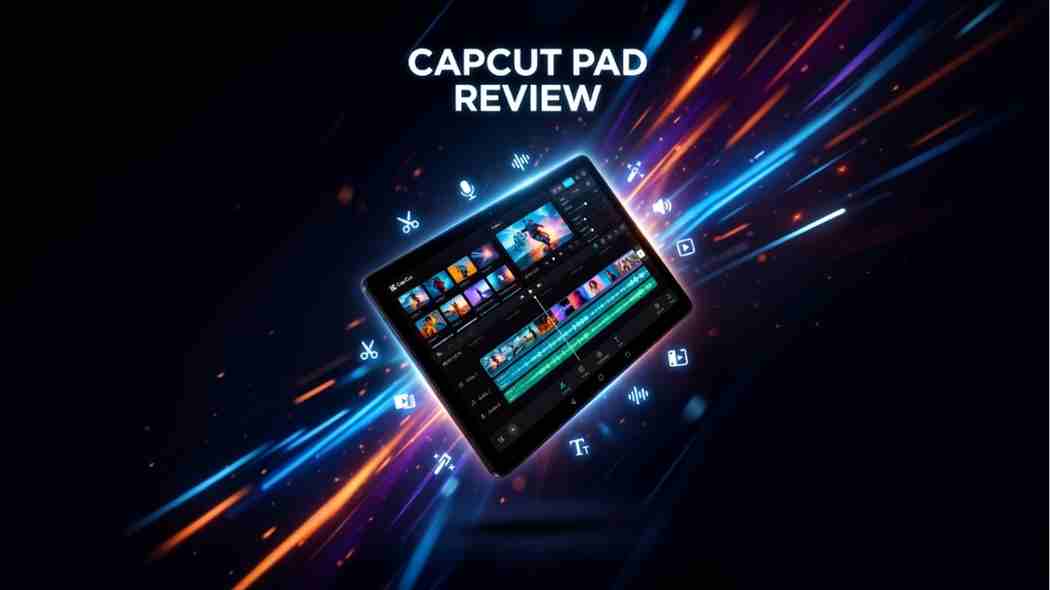
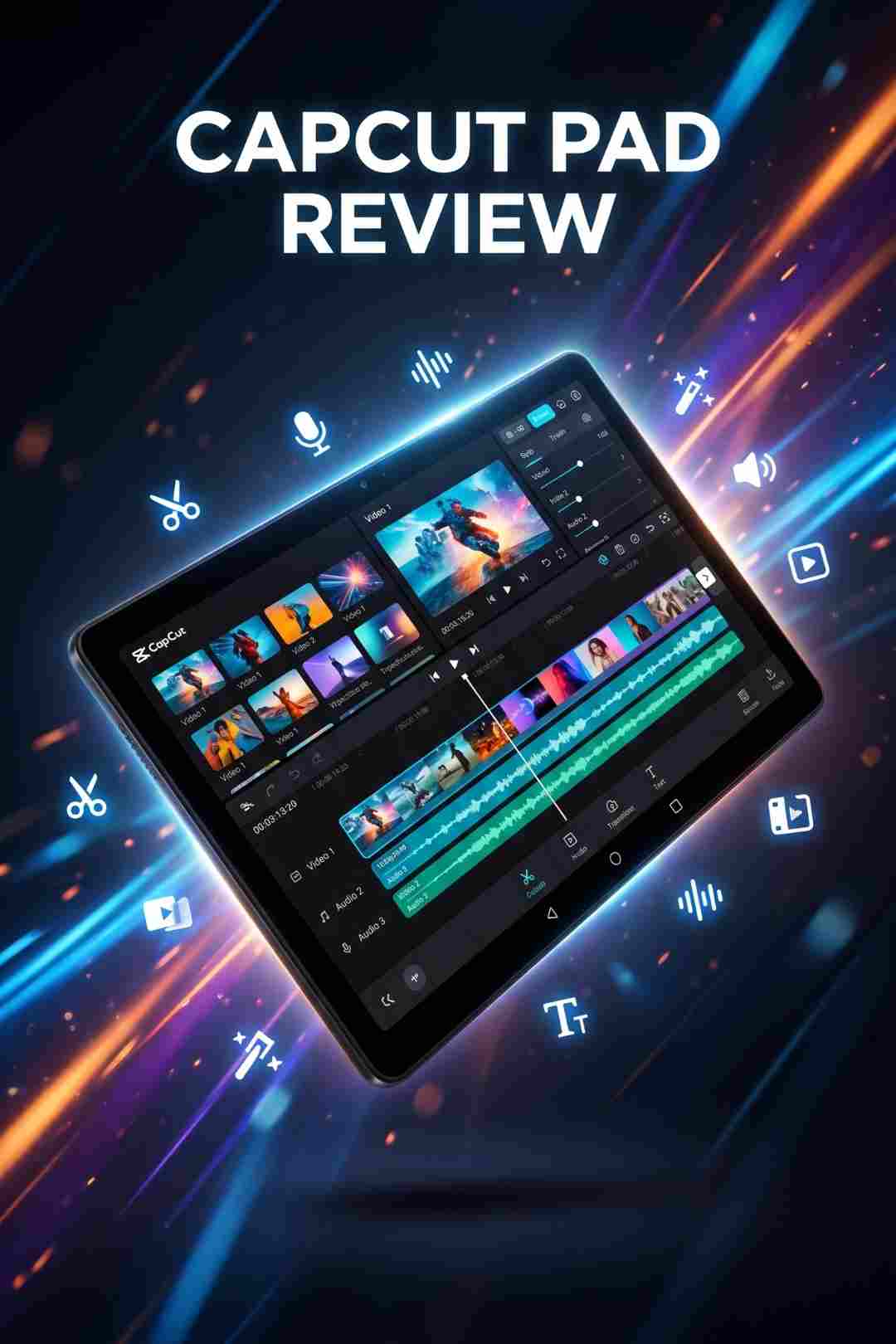
This is the headline capability upgrade from the standard mobile CapCut app. Multi-track timeline editing means multiple video tracks, audio tracks, music tracks, voice tracks, and effect tracks can run simultaneously in a stacked arrangement on the timeline, with precise control over the timing and layering of each track. For content creators building complex Shorts, Reels, or YouTube content that layers multiple visual elements, multiple audio sources, and animated overlays, this is the capability that previously required jumping to a desktop application.
The practical workflow this enables: film on your phone or camera, transfer to your Android tablet, open in CapCut Pad, build a multi-track edit with music on one audio track, voiceover or interview audio on a second, a visual B-roll track above your primary footage track, and text and graphic overlays on additional video tracks , all visible simultaneously in the expanded tablet timeline without needing to scroll or hide tracks to see what is where. This is standard operating procedure in desktop editing and has been a significant limitation of phone-based editing apps.
CapCut Pad exports up to 4K resolution at 60 frames per second with HDR. This matches the export ceiling of most desktop video editing applications for the format categories relevant to social media and YouTube content. The practical implication is that footage shot on a flagship Android phone (which regularly captures 4K 60fps HDR video) can be edited and exported on a tablet at the same resolution without downscaling. The edit-to-export pipeline stays at native quality throughout.
Chroma key , the ability to key out a specific colour, typically green or blue, from a video clip to composite it against a different background — is a standard feature in desktop editing applications and has been present in CapCut's desktop version for some time. Its inclusion in CapCut Pad makes green screen work on a tablet genuinely feasible. For creators who film against a portable green screen on location and want to composite footage while away from their workstation, this is a meaningful addition. For stock footage to use as replacement backgrounds in chroma key compositions, Shutterstock has the largest library of background environments across urban, nature, abstract, and technology categories, all with clear commercial licensing.
Keyframe animation in a video editor allows any property (position, scale, opacity, colour, effect intensity ) to be animated over time by setting a value at one point and a different value at another, with the software interpolating between them. For social media creators building animated overlays, text reveals, product zoom-ins, and motion-tracked graphic elements, keyframes are the fundamental tool. Their presence in CapCut Pad puts the app in the same category as desktop editing applications for animation-capable work rather than limiting it to static elements and transitions.
Video stabilization analyzes the motion in a clip and applies counteracting correction to reduce camera shake and handheld movement. CapCut's stabilization algorithm , which has been well regarded in creator communities for the standard mobile app, is available in CapCut Pad. For travel creators, vloggers, and event videographers who shoot handheld without a gimbal, stabilization in the edit is the difference between usable and unusable footage, and having it available in a tablet-based edit is a practical production requirement.
Smooth slow motion uses frame interpolation to create additional frames between existing frames, allowing footage shot at 30fps or 60fps to be slowed to significantly lower apparent frame rates without the jitter and stuttering of standard playback speed reduction. For content creators producing cinematic slow motion from standard-frame-rate footage ,particularly on action, sports, or lifestyle content, this is a quality-of-life feature that previously required desktop applications like DaVinci Resolve's Speed Warp or Premiere Pro's Optical Flow. The Freevisuals guide to DaVinci Resolve's Speed Warp covers the desktop equivalents for creators who want to compare approaches.
The standard CapCut mobile app is an exceptional tool for its specific context: fast, template-driven short-form content production on a phone screen. CapCut Pad is not a replacement for it. Most creators will use both, the phone app for rapid on-the-go edits and social post creation, and CapCut Pad for more complex multi-track projects that benefit from the tablet screen real estate and the expanded timeline.
The meaningful differences are the multi-track timeline, the larger preview area that allows more precise assessment of compositional decisions, the greater keyboard and stylus input compatibility that tablet usage enables, and the sustained processing capacity of a tablet form factor compared to a phone running a demanding edit for an extended session. Tablets generally have better thermal management and sustained performance than phones under heavy load, which matters for exporting complex 4K projects.
The features that overlap with the standard mobile app , text tools, built-in effects, transitions, the CapCut template library, AI tools including background removal and smart cutout, the audio library, and the core trim and cut workflow, are all present in both. CapCut Pad is an additive upgrade for users who want more editing power, not a different category of application.
The claim of "desktop-level editing" in CapCut Pad's marketing deserves a direct assessment because it is the claim that most experienced creators will question first.
For the specific feature categories listed (multi-track timeline, 4K HDR export, chroma key, keyframe animation, stabilization, slow motion ) CapCut Pad genuinely covers the ground. These are desktop editing capabilities, and they are present in the app. In that narrowly defined technical sense, the claim is accurate.
What CapCut Pad does not offer, and where the gap with desktop editing applications opens up, is the depth and control within each of those capabilities. A multi-track timeline in CapCut Pad is not the same depth of control as a multi-track timeline in Premiere Pro or DaVinci Resolve. Colour grading in CapCut Pad is not the same as DaVinci Resolve's Color page. Audio mixing in CapCut Pad is not the same as Fairlight in Resolve or Audition in the Adobe stack. Keyframe animation in CapCut Pad does not match After Effects for motion graphics complexity.
For short-form content like TikTok, Reels, YouTube Shorts, and similar formats where the editing complexity is moderate and the production standard is defined by what looks good at mobile screen size -CapCut Pad is more than capable. For long-form content, broadcast-standard professional production, complex colour work, and motion graphics requiring After Effects-level control, desktop applications remain the appropriate tools. CapCut Pad sits firmly in the first category, and for that category it is a serious and well-featured option.
CapCut Pad's base app is free to download and use. CapCut Pro unlocks additional features for approximately $10 per month, though CapCut does not publish its pricing on its website. The current price is only visible inside the app before subscription. This opacity in pricing is a consistent community complaint about CapCut's subscription model and is worth being aware of before downloading the app expecting a clear pricing page on the web.
The specific features gated behind CapCut Pro are not fully disclosed in the available public documentation as of publication. The standard CapCut app model gates premium templates, certain AI tools, watermark-free export at higher resolutions, and some audio library content behind the Pro subscription. CapCut Pad is expected to follow a similar model. The practical approach is to download the free app, test the features available without a subscription for your specific use case, and then make a decision about Pro based on whether the locked features are relevant to how you actually use the app.
For creators who want to supplement CapCut Pad's built-in template and asset library with external resources, the free assets on Freevisuals are directly usable. The Free Mega Cinematic LUT Pack gives you 22 free colour grades that can be applied as manual colour adjustments based on their parameters if direct .cube import is not supported in CapCut Pad's colour workflow. The Freevisuals AI Sound Effect Prompt Library gives you free ElevenLabs SFX prompts for generating custom sound effects that can be downloaded as audio files and imported directly into the CapCut Pad timeline.
Creators who film on location and want to edit footage before returning to a workstation have historically been forced to choose between the limited capability of a phone editing app and the bulk of a laptop. An Android tablet running CapCut Pad with 4K HDR export fills this gap directly. The combination of a flagship Android tablet, a quality Android camera app, and CapCut Pad creates a self-contained production system for travel, event, and on-location content that previously required either a laptop or compromise on editing depth. For royalty-free music to use in travel content, Artlist and Epidemic Sound both have mobile-friendly browsing and the licensing covers commercial YouTube use.
For students and creators at the beginning of their YouTube or social media journey who already own an Android tablet and do not have access to a desktop workstation, CapCut Pad provides a professional-grade editing environment at a lower hardware cost than a laptop capable of running Premiere Pro or DaVinci Resolve. The free base app means there is no software cost barrier to entry for standard editing tasks. The learning curve from CapCut Pad to desktop editing is also smoother than the jump from a phone-only workflow, because CapCut Pad introduces multi-track timelines, keyframe animation, and export settings in a familiar interface.
Creators who publish 5 to 7 short-form videos per week across TikTok, Instagram Reels, and YouTube Shorts need editing efficiency more than editing depth. CapCut Pad on a tablet with a keyboard case attached provides a significantly faster editing session than a phone app with the larger touch targets, a proper timeline view, and the ability to see multiple tracks simultaneously without the constant scrolling and track hiding that phone-based editing requires at volume. For these creators, CapCut Pad at the free tier may be the most appropriate primary editing tool in the market.
Agency social media teams producing large volumes of branded short-form content can use CapCut Pad on tablets as a portable edit station for content that does not require desktop-level production depth. An editor with a tablet can produce a complete social post edit, apply branded colour treatment, add music from a licensed library, and export at 4K for publication without sitting at a workstation. For agencies producing content for brands where music licensing documentation is a professional requirement, Epidemic Sound and Artlist both provide the licensing documentation required for commercial client work.
CapCut Pad's launch on Android arrives in a market where short-form video is the dominant content format across every major platform and where the tools gap between desktop and mobile has been closing rapidly. The standard CapCut mobile app already covers most short-form production needs for most creators. CapCut Pad addresses the specific segment of creators for whom the phone screen is a genuine production constraint — not a preference constraint, but a physical limit on what they can see and precisely control in the editing interface.
The broader significance is in what CapCut Pad signals about where editing software is heading. Five years ago, professional-grade multi-track timeline editing with 4K export was exclusively a desktop capability. Today it is available on an Android tablet from a free app. The question is no longer whether mobile editing can match desktop capability in specific areas, it demonstrably can. The question is whether mobile-first creators will reach for a tablet running CapCut Pad when they need more than their phone offers, or whether they will reach for a laptop running DaVinci Resolve free or Premiere Pro. The answer will depend on how well CapCut Pad executes on its desktop-level ambitions in the hands of real creators at volume.
For stock footage to supplement CapCut Pad edits where the camera footage needs additional B-roll, Shutterstock has the widest commercial catalogue. For motion graphics templates and visual elements to use in the CapCut Pad timeline, Envato Elements has extensive short-form and social media template libraries. For AI-generated B-roll to supplement camera footage without a stock subscription, the Freevisuals comparison of Veo 3, Kling AI, and Runway Gen-4 covers the AI video generation options for creators who want generated footage alongside their CapCut Pad edits.
A dedicated tablet-optimised video editing app from CapCut now available on the Google Play Store. It offers a larger expanded UI from the standard mobile app with multi-track timeline editing, 4K 60fps HDR export, chroma key, keyframe animation, video stabilization, and smooth slow motion. The base app is free. Certain features require CapCut Pro at approximately $10 per month, with pricing only visible inside the app itself.
4K resolution at 60 frames per second with HDR , the same export ceiling as most desktop video editing applications.
Yes. Multi-track timeline editing is the core differentiator from the standard mobile app. The expanded tablet UI allows multiple video tracks, audio tracks, music tracks, and overlay tracks to be visible simultaneously without constant scrolling or track hiding.
Approximately $10 per month. CapCut does not publish its pricing on the web. It is only visible inside the app. Download CapCut Pad from the Play Store and check the subscription section inside the app for current pricing before committing.
CapCut Pad matches desktop software on specific capabilities including multi-track timelines, 4K HDR export, chroma key, and keyframe animation. It does not match the depth of control in Premiere Pro, DaVinci Resolve, or After Effects for complex colour grading, audio mixing, or motion graphics work. For short-form and social media content it is a serious tool. For long-form professional production, desktop remains the appropriate environment.
.avif)
.avif)
.avif)
.avif)