.avif)
Freevisuals
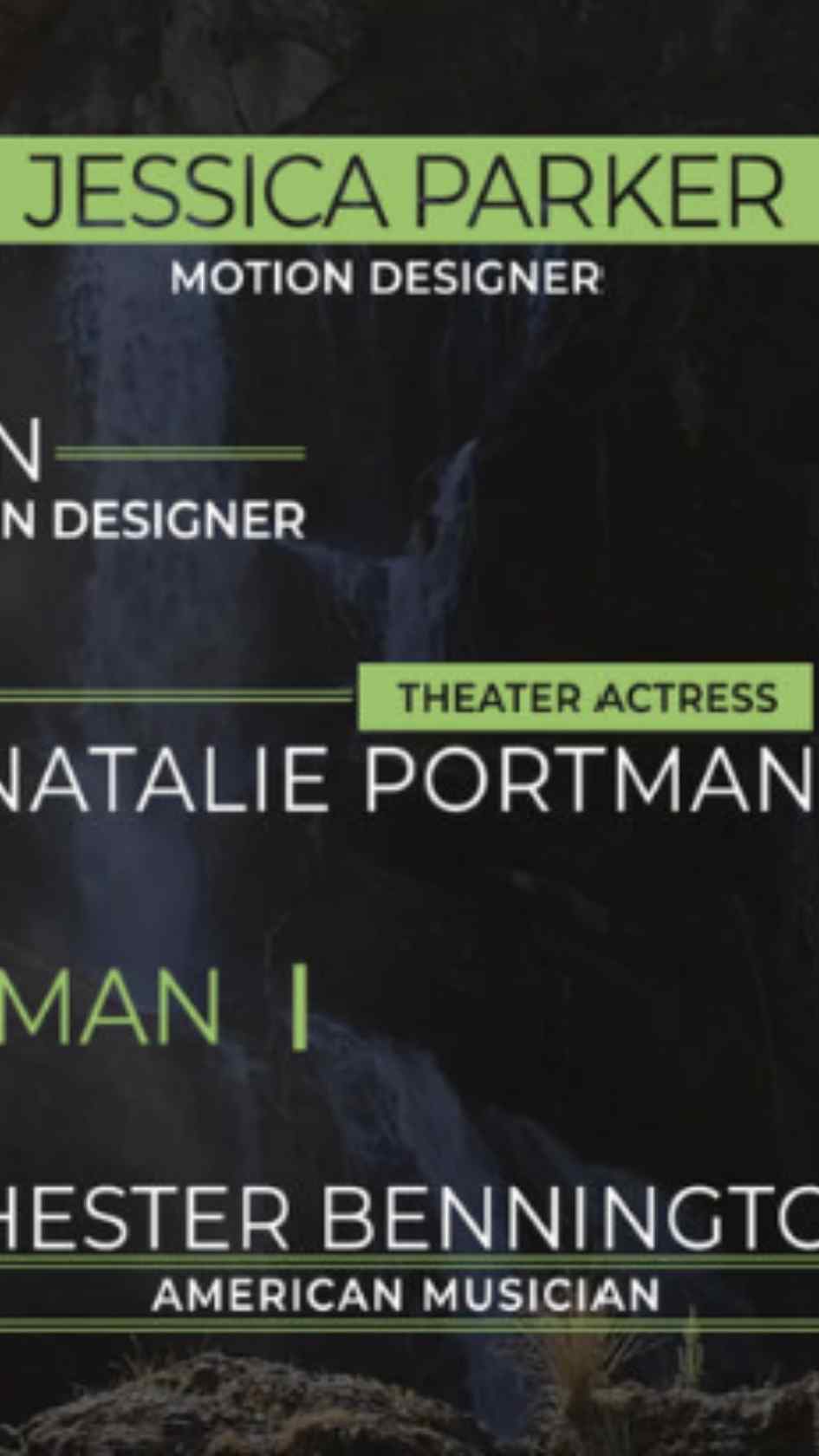
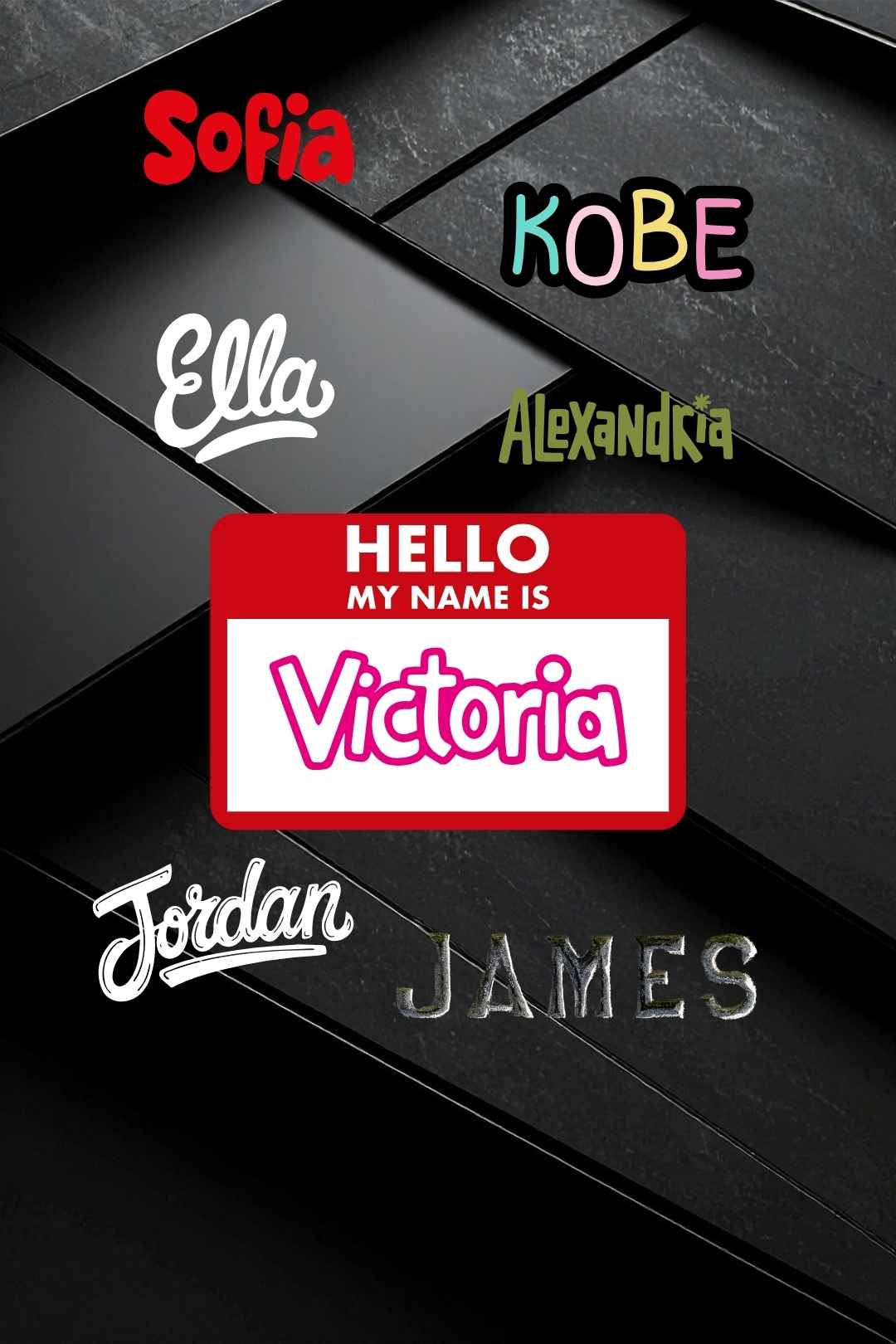
Lower thirds are one of those things that make an edit feel finished. A clean name title under an interview subject, a location card at the start of a scene, a social media handle sliding in on a YouTube intro — done well, they add production value without drawing attention to themselves. Every template below is a free MOGRT file built specifically for Premiere Pro, which means you drop it straight into the Essential Graphics panel, change the text, adjust the colours if you want, and you are done. No After Effects required, no plugins, no watermarks. Just download, import, and edit.
New lower thirds added regularly, so check back often. Every template below is free to download and ready to use in Premiere Pro straight out of the box.
Premiere Pro rewards knowing your way around the timeline, and that only comes from actually understanding what each tool does. Our Premiere Pro tutorials cover everything from core editing fundamentals to advanced color grading, effects, and workflow techniques that separate a rough cut from a genuinely polished final export. New guides added regularly, so there's always another skill worth picking up.
The free templates above will cover most projects. But if you need a larger library, more styles, or assets that match a specific brand or production look, Envato Elements has thousands of premium Premiere Pro lower thirds under one subscription. At $16.50 a month you get unlimited downloads across the entire library, commercial licensing included, with new templates added every week.
A lower third is a graphic element placed in the lower portion of the screen, typically used to display a speaker's name, title, location, or any supporting text that gives the viewer context without interrupting the main footage
Yes. Every lower third template in this collection is free to download and use commercially, including in monetised YouTube videos, client work, and social media content. No attribution required.
The templates in this collection are built for Adobe Premiere Pro. Compatibility with specific versions is listed on each individual download page.
Most templates require no third-party plugins and work with Premiere Pro's built-in tools. Where a plugin is required it is clearly stated on the individual download page.
Download the template file, open Premiere Pro, and import the file via File > Import. Drag the lower third onto your timeline above your footage, then double-click to edit the text, font, and colours to match your project.
Yes. All templates are fully editable inside Premiere Pro. You can change the text, font, colour, size, and timing to match your brand or project style
Yes. All free templates on FreeVisuals are cleared for commercial use including client deliverables, broadcast projects, and paid social media content.
A title typically takes up a large portion of the screen and appears as a standalone element, such as at the opening of a video. A lower third sits in the bottom section of the frame while other content plays in the background, making it less intrusive and better suited for name tags, subtitles, and supporting information.
Most lower thirds display for between three and five seconds, long enough for a viewer to read the text comfortably without it lingering past the point where it is still useful. Adjust the clip length in your Premiere Pro timeline to suit your specific edi
.png)









.avif)
.avif)
.avif)
.avif)


