.avif)
Freevisuals
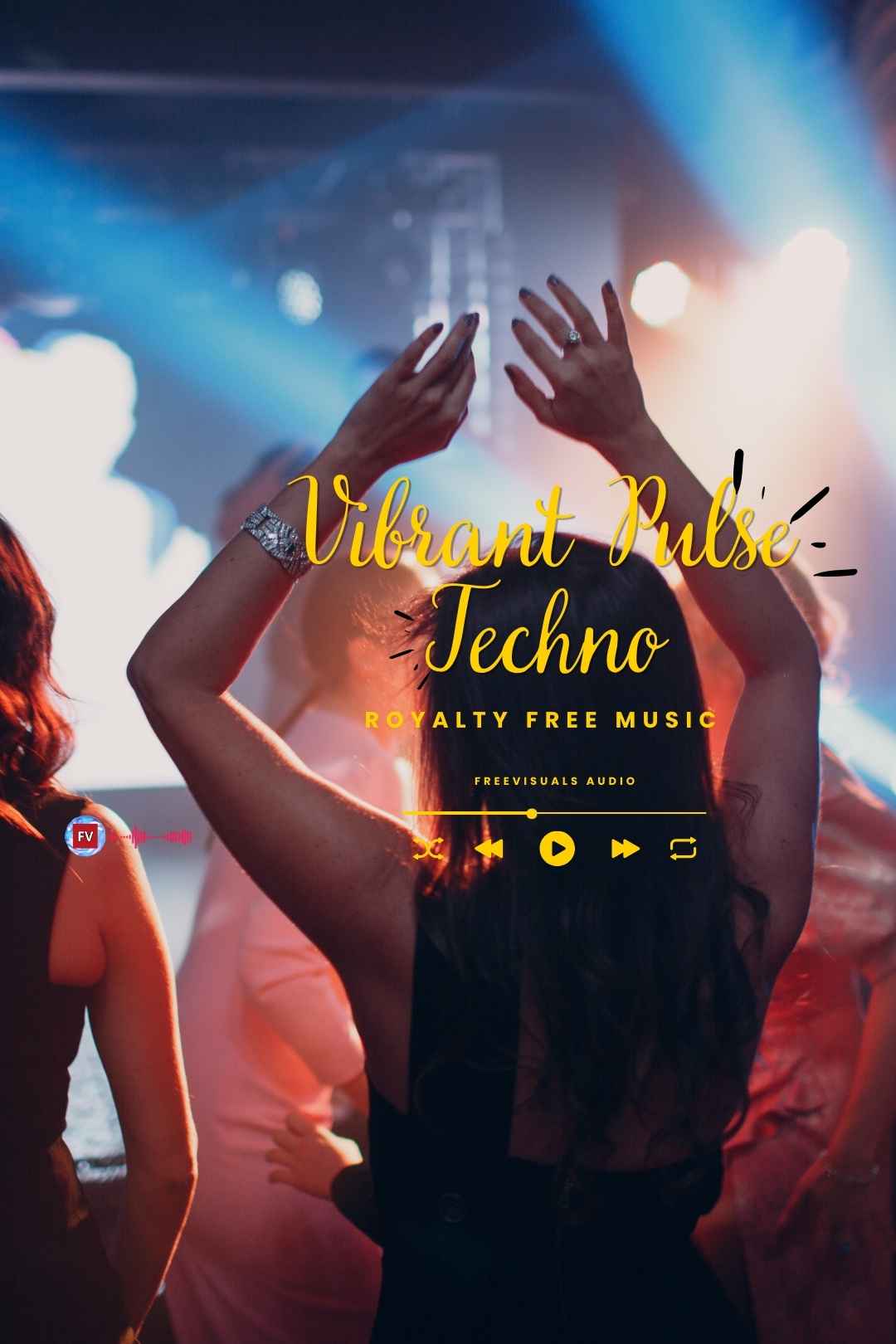
High energy modern dance instrumental music, royalty free with no attribution required, perfect for dance videos, fitness content, and Shorts.
LogIn To DownloadVibrant Pulse is a high-energy modern dance instrumental free music track built around a driving rhythm, clean electronic grooves, and a vibrant contemporary sound. Designed for movement and visual impact, this track delivers confident, upbeat energy that works perfectly with fast cuts, choreography, and dynamic edits.
This track is completely free to download and use, including in monetised YouTube videos, with no copyright claims and no attribution required.
Before downloading, you can hear the full track in the video below to confirm the energy and style fit your project.
This music is 100% royalty-free and does not require attribution, making it safe for monetized YouTube videos, social media content, client projects, and commercial use. With no lyrics or lead vocals, Vibrant Pulse blends seamlessly under visuals and voiceovers without distraction.
Ideal for modern dance videos, fitness content, fashion edits, reels, and Shorts, this track provides consistent energy and rhythm while maintaining a clean, professional production style.
Vibrant Pulse works best anywhere a project needs momentum, dance and fitness content, fast paced YouTube intros, product reveals, fashion and lifestyle Reels, gaming highlight reels, and any TikTok or Shorts edit built around quick cuts and visual energy. The track's pulsing rhythm naturally encourages a faster cutting pace, which makes it especially effective underneath montage style editing where the music is setting the tempo for the visuals rather than the other way around.
It also works well as a transition track between two segments in a longer video, a burst of energy that signals a shift in tone, or as background music for an upbeat brand intro where you want the first few seconds of a video to feel confident and current rather than quiet or understated. Because the hook is genuinely memorable, it is also a strong choice for any content where you want viewers to associate a specific feeling, excitement, momentum, with your channel or brand specifically.
Import the downloaded audio file and drag it onto an audio track beneath your video clips. Use the Essential Sound panel and select the Music tag to apply automatic ducking, which lowers the music's volume slightly under any dialogue or voiceover so the track does not compete with spoken words. If you are cutting to the beat, use the Razor tool at the track's natural hits to align your cuts precisely, since a fast, pulsing track like this rewards edits that land directly on the beat rather than slightly ahead or behind it.
Drop the track onto your timeline's audio track and use the Fairlight page for finer control over levels and fades. Resolve's Audio panel includes a simple Compressor and EQ you can apply directly to the track if you need to brighten it further or tame any frequency that clashes with other elements in your mix, like a busy sound effects layer. For beat matched editing, Resolve's waveform display makes it easy to spot the track's transient hits visually and snap your cuts to them.
Add the track to your timeline and use the Audio inspector to apply a Background Music role, which Final Cut uses to automatically balance levels against other audio roles like dialogue. The built in Voice Isolation and Equalizer presets under Audio Enhancements can help the track sit cleanly underneath narration if your video includes voiceover alongside the music. For beat synced cuts, enable the audio waveform view in the timeline to see the track's pulse and rhythm directly while you edit.
Import the track and place it on your timeline below your video clips. CapCut's Beat Sync feature can automatically detect the track's strongest beats and snap your clip cuts to them, a fast way to get a professional feeling, rhythm matched edit without manually placing every cut by ear. Use the Volume tool to bring the track down slightly during any section with spoken audio, and consider CapCut's built in Fade In and Fade Out handles at the start and end of the track for a smoother opening and closing.
Because Vibrant Pulse has a genuinely catchy, recognisable hook, it works best when the hook itself lines up with a key visual moment in your edit, a product reveal, a punchline, a title card, rather than being buried under continuous talking. If your video includes a lot of dialogue or narration throughout, consider using this track specifically for the cold open or outro, where the visuals can carry the moment without competing against spoken words, then switching to a quieter, more neutral track for the dialogue heavy middle section.
If you need the track to loop cleanly for a longer video, check the natural loop point by listening for where the rhythm pattern repeats, then trim and crossfade at that point in your editor rather than simply repeating the file end to end, which can create an audible bump where the track restarts.
A high energy track like this pairs naturally with footage that matches its pace. For fast cut B-roll and lifestyle footage, browse the Freevisuals free stock video library. For impact sounds, whooshes, and transition effects to layer on top of the music during key cuts, the Freevisuals free sound effects library covers a wide range of options that sit well alongside an upbeat track like this. To finish the visual side with a bold, modern colour treatment that matches the track's energy, the Freevisuals free LUT library includes several punchy, high contrast looks suited to fast paced content.
If you need a larger music library beyond this single track, Epidemic Sound and Artlist both offer extensive, fully licensed dance and electronic music collections for creators who regularly need new tracks at this same energy level. For creators specifically wanting to generate a custom track with a similar pulsing, modern dance feel from scratch, the Freevisuals AI Prompt Library includes tested music prompts covering upbeat and electronic styles.
A lot of royalty free music gets chosen purely on vibe, does it sound upbeat, does it sound calm, without much thought given to whether the track actually has a memorable musical idea inside it. Vibrant Pulse is built around a genuinely catchy central hook, which matters for a specific reason beyond just sounding good in isolation, music that a viewer can actually hum or recognise creates a stronger emotional anchor to whatever footage it is paired with. This is part of why certain stock tracks end up reused across thousands of videos while most royalty free music gets used once and forgotten, the ones with a real hook simply stick better.
For a creator building a consistent channel identity, using a track with a strong, recognisable hook consistently across intros or a recurring segment can actually become part of your brand's audio identity over time, the same way a specific jingle or sound becomes instantly recognisable for an established show or channel. This works particularly well with a track like Vibrant Pulse precisely because the hook is distinct enough to be memorable without being so unusual that it feels out of place across different types of content.
Vibrant Pulse asks something specific of an edit, it wants to move. A slow, lingering cut paired against this track's pulsing rhythm creates a mismatch that a viewer notices even if they cannot articulate exactly why something feels off. The track performs best when your actual cutting pace, how often you change shots, roughly tracks the energy of the music itself, faster cuts during the track's most energetic sections, slightly longer holds during any quieter breakdown moment within the track.
If you are building an edit specifically around this track rather than adding it after the visuals are locked, working from the music outward, identifying the track's strongest beats and hook moments first, then building your visual cuts to land on those specific points, generally produces a noticeably more polished, intentional feeling result than adding music as an afterthought to an already finished visual edit.
Vibrant Pulse's energy and pacing translate well across YouTube, TikTok, Instagram Reels, and YouTube Shorts without needing significant adjustment between platforms, since fast, upbeat dance music reads as appropriate content on all of these formats. The main adjustment worth making between platforms is duration and where the hook lands, for a 15 to 30 second Short or Reel, trimming the track so its catchiest section lands within the first few seconds keeps a swiping audience engaged before they have a chance to scroll past, while a longer YouTube video can afford to let the track build more gradually since the viewer has already committed to watching.
Is this track really free to use commercially?
Yes. Vibrant Pulse is free for both personal and commercial use, including monetised YouTube videos, client work, and social media content. No attribution is required, though crediting Freevisuals is always appreciated.
Will this track trigger a copyright claim on YouTube?
No. This track is cleared for use on YouTube without triggering a Content ID claim. If you ever do receive an unexpected claim, contact us and we will help resolve it.
What file format is the track available in?
The track is available as a standard MP3 file, which imports directly into every major video editor including Premiere Pro, DaVinci Resolve, Final Cut Pro, and CapCut without any conversion needed.
Can I edit, trim, or remix this track for my project?
Yes, you are free to trim, loop, fade, pitch shift, or otherwise edit this track as needed for your specific project.
Does this track work well with voiceover or dialogue?
It can, but since the track is high energy with a prominent hook, it works best either as an intro or outro element or with the volume ducked noticeably during any spoken sections, rather than playing at full volume underneath continuous narration.
Where can I find more tracks like this one?
Beyond this free track, Epidemic Sound and Artlist both carry deep libraries of similar upbeat, modern dance, and electronic music if you need additional tracks at this same energy level for future projects.
Download free video templates, LUTs, and presets for Premiere Pro, After Effects, DaVinci Resolve, CapCut, and Final Cut Pro.









