.avif)
Freevisuals
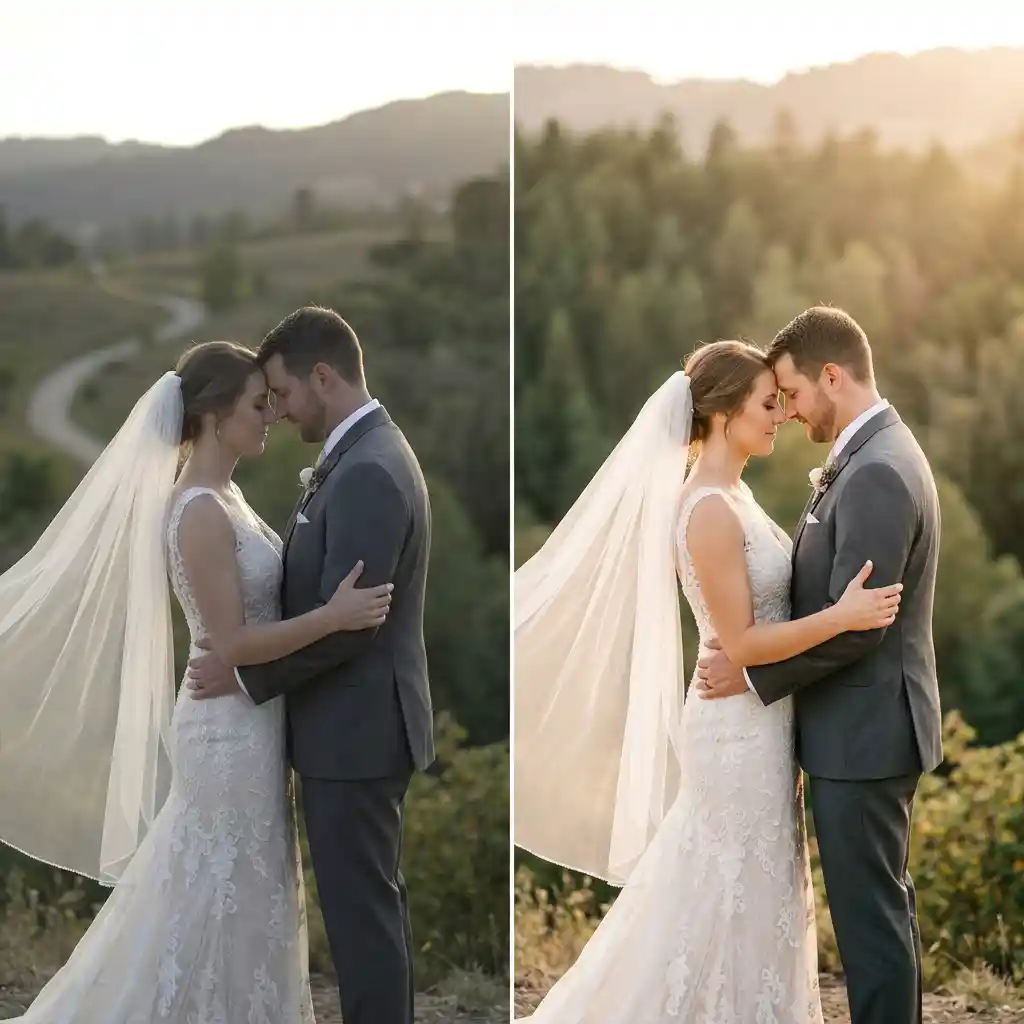
Professional LUTs for editors who need more control than the free library: tighter film emulations, camera-specific log conversions, and large genre packs. This page has two paid types. Pro LUTs are sold by FreeVisuals as a one-off or with a monthly or yearly Pro subscription. You download them here after checkout. Partner LUTs are listed here for discovery. You buy and licence them on Artlist, Envato, Motion Array, Motion Elements, MotionVFX, and similar sites. FreeVisuals may earn a commission. The partner’s licence applies. Need $0 files instead? See our extensive collectoin of free LUTs here.
Exclusive grades built for working editors. Buy a single pack once, or unlock the Pro LUT collection with a monthly or yearly subscription.
Pro LUTs are .cube files for Premiere Pro, DaVinci Resolve, Final Cut Pro, After Effects, and CapCut. Licence is the FreeVisuals Pro licence on each item page — commercial project use, not resale of the LUT files.
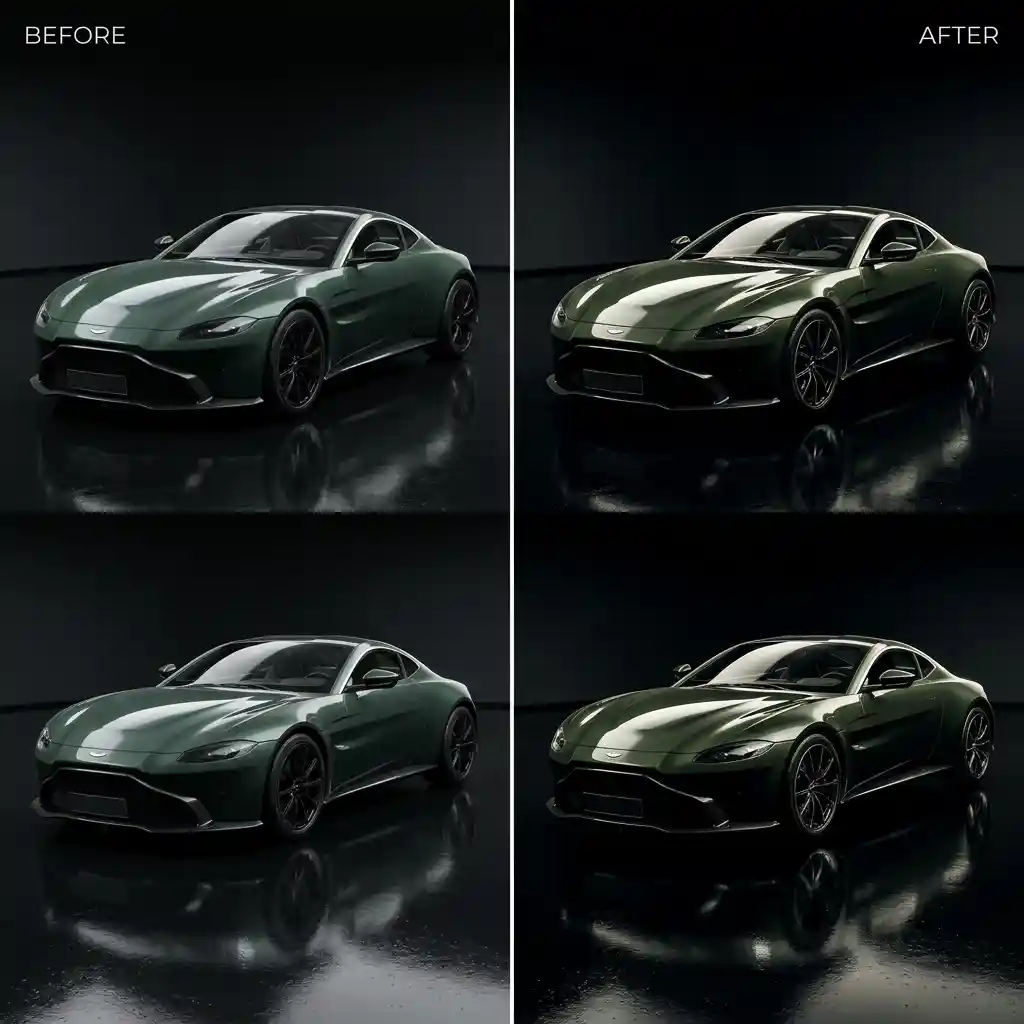
Premium packs from libraries we actually use: film-stock emulation, LOG-to-Rec.709 technical LUTs, wedding, travel or documentary sets, and large bundles. Click through to the partner to pay and download. Their checkout and licence apply. We may earn a commission at no extra cost to you.
- Camera-matched log conversions (S-Log, V-Log, C-Log, and similar), not only Rec.709 creative looks
- Larger, tighter packs (dozens to hundreds of looks) for series and client consistency
- Film-emulation sets built for commercial and broadcast work
- Partner updates and extra formats where the vendor supplies them
Apply via Lumetri Color → Creative → Browse, then ride Intensity. Technical Input LUTs belong in the Basic Correction input slot, not the Creative look slot. Software notes are on each item page.
Works in free and Studio. Copy .cube files into Resolve’s LUT folder and Refresh. Use a technical LUT on the first node; park creative looks later in the tree.
Works in free and Studio. Copy .cube files into Resolve’s LUT folder and Refresh. Use a technical LUT on the first node; park creative looks later in the tree.
Adjust → Filter → Custom, then import the .cube and set intensity. Mobile CapCut can be picky about file location — use the path shown on the item page.
Apply Color LUT on an adjustment layer so the grade stays separate from the footage.
No. Everything on this page is Pro or Partner. Free .cube packs live on Free LUTs.
Pro LUTs are sold and hosted by FreeVisuals. Partner LUTs are sold and licensed by the partner. Both can be used in professional work if you follow that product’s licence. They are not interchangeable
Pro: yes for your own projects, including monetised social and typical client work, under the Pro licence — you cannot resell the LUT files.
Partner: only after you buy on their site, under their licence (seats, ads, Content ID).
Yes for Pro downloads. Partner downloads use the partner’s account. A free FreeVisuals account does not unlock Pro or Partner files.
Mostly industry-standard .cube. Some partner packs also include .look, .vlt, or software presets. Format is listed on each item.
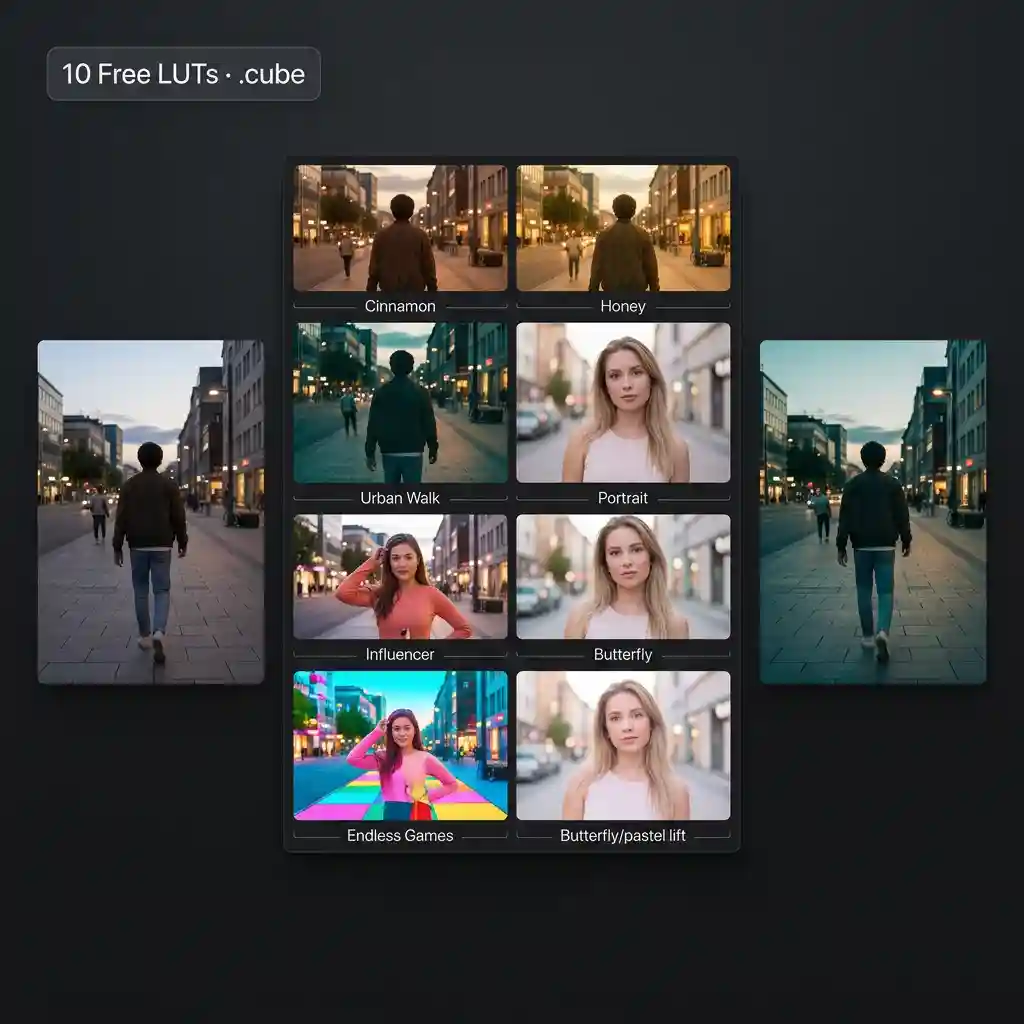
A LUT (Look Up Table) is a colour grading file that transforms the colours in your footage by mapping input colour values to output colour values. LUTs are used to apply consistent colour grades across multiple clips, emulate film stocks, match footage from different cameras, and create stylised looks. They are the fastest way to achieve a professional colour grade without manual adjustment of colour wheels and curves.
Usually no. A log conversion LUT on already-contrasty Rec.709 footage will look wrong. Match the LUT to the footage type on the item page.
No. Those stay on the partner sites. Freevisuals Pro Luts can be downloaded here on Freevisuals itself. For partner LUTs, click the link to get to the partner site to download.
Yes, all editing software that supports LUTs allows you to adjust the intensity or mix of the effect after applying. In Premiere Pro use the Intensity slider in the Lumetri Colour panel. In Final Cut Pro use the Mix slider in the Inspector. In DaVinci Resolve use the Key Output Gain in the Colour page. In After Effects use the opacity of the adjustment layer the LUT is applied to.
A LUT is a universal colour grading file compatible with most editing software. A colour preset is a saved set of colour correction settings specific to one piece of software such as a Lumetri preset for Premiere Pro or a Colour preset for Final Cut Pro. LUTs offer broader compatibility across different applications while colour presets offer more flexibility to adjust individual settings within their specific software.
You can apply multiple LUTs to a single clip by stacking them on adjustment layers or using multiple colour correction effects. However most professional colourists recommend applying one LUT as a starting point and then making manual adjustments on top rather than stacking multiple LUTs which can produce unpredictable results.
.jpeg)



.jpeg)