.avif)
Freevisuals
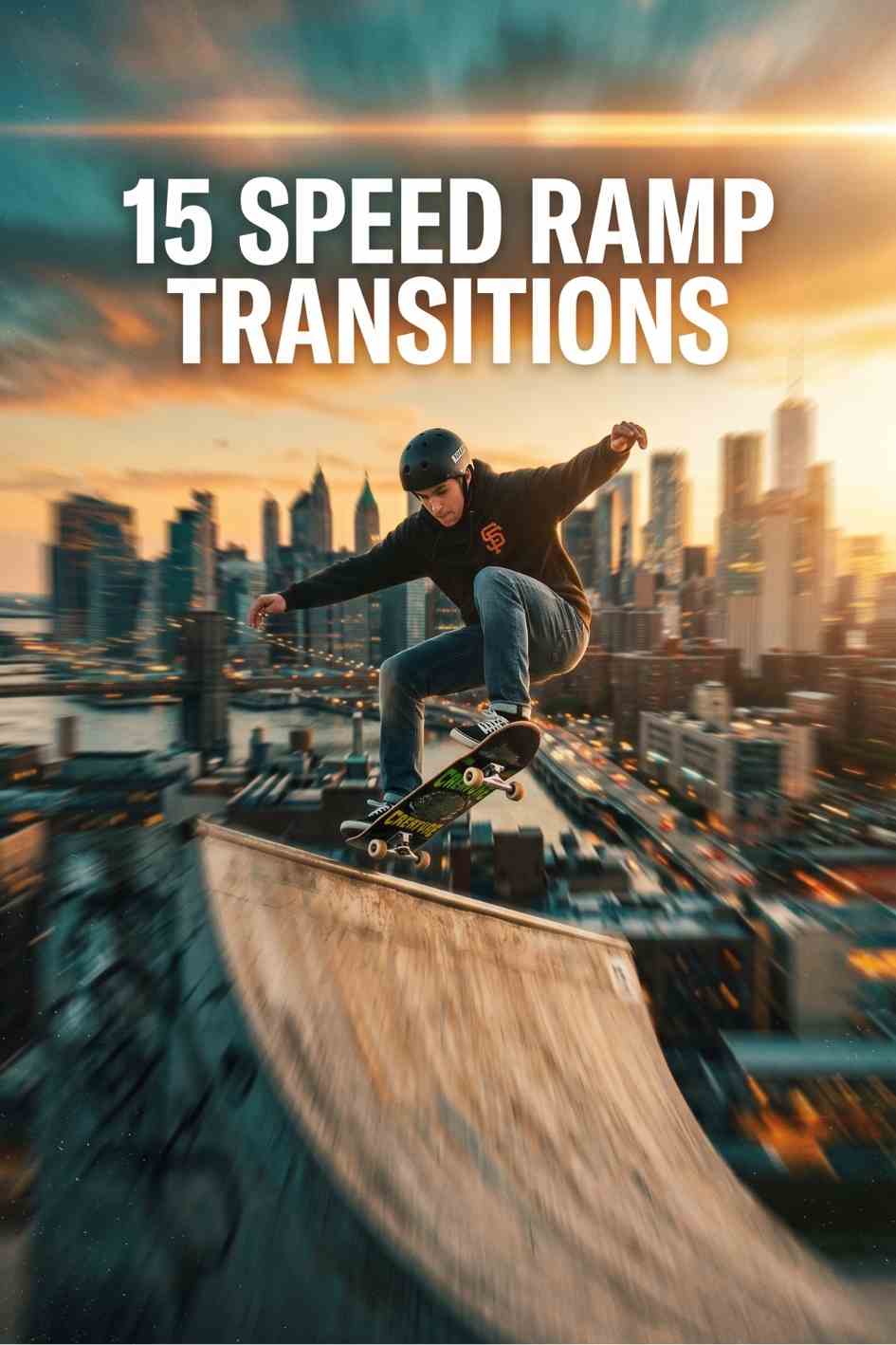
Professional 15 Speed Ramp Transitions Premiere Pro Template with smooth speed-ramping effects and Ultra HD transitions - ideal for cinematic cuts, social
Download NOW!Download On Envato Elements
Speed ramping, the technique of smoothly shifting a clip's playback speed from slow to fast or fast to slow, has become one of the most recognizable editing techniques in modern short-form and action content. Done well, it adds drama, emphasis, and momentum to a cut. Done manually, it also involves a fair amount of keyframing and trial and error to get the curve feeling smooth rather than jerky. 15 Speed Ramp Transitions, available through Envato Elements, packages that technique into fifteen ready-to-use Premiere Pro transitions, giving you the effect without the manual keyframe work.
This template is one of several transition-focused picks worth comparing if you're building out an edit. Our best transition templates roundup covers this pack alongside cinematic, digital, and split-object alternatives, and our Premiere Pro templates library has more assets built for the same software.
This pack is available through Envato Elements, an unlimited subscription covering millions of creative assets. If your project also needs stock footage, Artlist and Motion Array are both worth comparing for footage and additional Premiere Pro assets.
This template is a professional transition pack that includes fifteen smoothly animated speed-ramping effects designed to elevate video edits with dynamic motion and rhythmic pacing. These transitions are built to instantly add cinematic momentum, fast-to-slow shifts, and dramatic motion flows between clips without manual keyframing. Optimized in Ultra HD and compatible with all frame rates and resolutions, this Premiere Pro template delivers modern, high-impact scene changes suitable for a broad range of video styles, from action sequences to lifestyle and social media content.
Unlike the film burn or pixel block transitions covered elsewhere in this series, speed ramping isn't primarily a visual texture applied over a cut, it's a manipulation of time itself. That distinction matters for how you use it, since a speed ramp transition needs footage with enough usable frames at both the slow and fast ends of the ramp to actually work, which affects how you shoot or select clips for this kind of edit.
Action and sports edits: Use speed ramps to accentuate fast-paced moments in skate, surf, bike, and athletic footage, the sudden shift in speed emphasizes peak moments like a jump, trick, or impact.
Motorsport and car videos: Highlight vehicle motion by ramping speed into dramatic transitions, particularly effective for launch moments, drifts, or high-speed passes.
Travel adventure montages: Add visual punch when moving between travel clips to maintain energy and viewer interest across a longer montage sequence.
YouTube and YouTube Shorts: Create engaging timeline cuts with professional pacing that holds viewer attention through fast, energetic transitions.
Instagram Reels and TikTok: Apply speed ramps that sync with beats and visuals for rhythmic, shareable short videos, particularly effective when timed to a track's drop or beat change.
Vertical and story edits: Works in portrait formats without loss of quality or visual impact, since the pack supports all frame rates and resolutions.
Product promos: Use dynamic transitions to shift between product shots, features, and lifestyle scenes with a sense of energy and momentum.
Commercial storytelling: Enhance narrative pacing in ad content for fashion, tech, or action-oriented products where a static cut would feel flat.
Event highlights: Use for recap reels from concerts, festivals, or sports events to convey energy and motion in a short recap format.
Narrative films: Use speed-ramp edits to mark dramatic shifts in pacing or emotion at key story beats.
Music videos: Sync transitions to beats, drops, and tempo changes for a professional, rhythmically tight edit.
Montage storytelling: Enhance cinematic trailers, portfolios, and demo reels with dynamic visual flow between selected clips.
Step 1: Subscribe to Envato Elements and download the pack.
Access the template through Envato Elements and download 15 Speed Ramp Transitions to your computer.
Step 2: Extract and organize the project files.
Unzip the downloaded folder into a dedicated project assets directory, keeping the transition presets organized and easy to find within your Premiere Pro project.
Step 3: Import the preset files into Premiere Pro.
Import the included preset files into your Premiere Pro project through the Effects panel or Project panel, depending on how the specific pack is structured.
Step 4: Select your two clips.
Position the two clips you want to transition between on your timeline, with the intended cut point clearly defined.
Step 5: Apply the speed ramp preset at the cut point.
Drag your chosen speed ramp transition preset onto the cut point between your two clips. Because the pack is built to avoid manual keyframing, most of the underlying speed curve animation is already built into the preset.
Step 6: Adjust the transition's duration.
Trim the applied transition so its length matches the pacing of your specific cut, a transition that runs too long can slow an otherwise fast edit, while one too short may not read clearly.
Step 7: Fine-tune the speed curve manually if needed.
If the preset's default curve feels too aggressive or too subtle for your footage, right-click the clip and choose Show Clip Keyframes > Time Remapping > Speed to view and manually adjust the underlying speed curve.
Step 8: Choose between the motion blur and non-motion blur version.
Since the pack includes versions with and without motion blur plugin dependency, select whichever fits your available plugins and desired look, motion blur versions typically read as smoother and more cinematic, but require the associated plugin to be installed.
Step 9: Preview against your actual footage and audio.
If you're syncing the transition to music, preview the full sequence with audio to confirm the speed ramp lands precisely on the beat or moment you intended.
Step 10: Render and export.
Export using your project's standard delivery settings once you're satisfied with the result. Since the pack supports all frame rates and resolutions, you shouldn't need to adjust your sequence settings to accommodate the transition.
Speed ramping taps into something viewers already understand intuitively from slow motion in sports broadcasts and film: a shift in playback speed draws attention to a specific moment by literally changing how much time the viewer spends looking at it. A ramp into slow motion right before a key action beat gives the eye more time to register detail and impact, while a ramp into fast motion compresses less important connective footage, keeping the overall pace tight.
This is also part of why speed ramps have become so closely associated with short-form platforms like TikTok and Instagram Reels specifically. These platforms reward content that holds attention within the first second or two, and a speed ramp transition is a compact, visually dynamic way to signal "something interesting is happening here" almost instantly, without needing a cut, graphic, or text overlay to do the same job.
There's a practical production advantage too. Because this pack pre-builds the speed curve animation, editors get consistent, professional-feeling ramps without the trial and error of manually adjusting keyframe timing and easing until it feels smooth, a process that can take considerably longer to get right from scratch than applying and lightly adjusting a preset.
Speed ramp transitions read as more polished when the rest of the edit supports the same sense of energy and momentum. A color grade that leans into higher contrast and punchier saturation tends to complement a fast, motion-driven cut better than a flat, low-contrast grade would. Our free LUT library includes several treatments suited to this kind of high-energy, action-forward content.
Sound design also plays a bigger role in how a speed ramp transition lands than many editors expect. A subtle whoosh or riser sound effect timed precisely to the ramp reinforces the sense of acceleration happening on screen, our free sound effects library includes options suited to exactly this kind of transition. If your project needs a full soundtrack built around this same energy, Artlist carries a large catalogue of upbeat, driving tracks built for exactly this kind of action-forward edit.
For an editor working across many different projects regularly, each potentially needing a different specific transition, title, or piece of music, the unlimited download structure of an Envato Elements subscription makes considerably more financial sense than purchasing individual assets one at a time from separate marketplaces. The flat monthly cost, starting at roughly $16.50 a month on an annual plan, remains the same regardless of how many specific assets, this transition pack included, actually get used across an active month of production work.
This also matters specifically for speed ramp style content, since action, sports, and social media editors tend to work at high volume, turning around edits quickly and often. Having unlimited access to transition packs, titles, and music under one subscription removes the friction of evaluating a new purchase every time a project calls for a slightly different style or pace.
Applying speed ramps to footage without enough usable frames. A speed ramp into slow motion needs enough source frames to slow down smoothly. Footage shot at a low frame rate can look choppy or stuttery once ramped, shooting at a higher frame rate when you know a clip will be speed ramped avoids this.
Overusing the effect across an entire edit. Speed ramps are attention grabbing by design. Applying one to every single cut in a video dilutes the technique's impact and can make an edit feel exhausting rather than dynamic.
Ignoring audio pitch shifts. Changing playback speed on a clip with its original audio will also shift that audio's pitch unless your software's time remapping is set to preserve pitch. Check this setting if dialogue or synced audio is present in the ramped section.
Not matching the ramp to your music's tempo. For music-driven content, a speed ramp that doesn't land on a beat or notable moment in the track feels arbitrary rather than intentional. Aligning the ramp precisely to your audio makes a noticeable difference.
Skipping the motion blur decision. Using the non-motion-blur version when your footage would clearly benefit from it (or vice versa) can make the ramp look either too harsh or unnecessarily soft. Test both versions against your specific footage before committing.
How To Get Perfect Speed Ramp Transitions In Premiere Pro, a step-by-step walkthrough covering the viral car speed ramp effect and general technique this pack automates.
2 Easy Speed Ramp Techniques In Premiere Pro, covering two different manual approaches to building a smooth speed ramp, useful background if you want to fine-tune the preset's default curve.
Do I need any plugins to use this template?
Not necessarily. The pack includes versions built with and without motion blur plugin dependency, so you can choose based on what you have installed.
What frame rate should I shoot at for the best speed ramp results?
Higher frame rates (60fps or above) give you more usable frames to slow down smoothly during a ramp into slow motion. Standard 24 or 30fps footage can still work but may look less smooth during aggressive ramps.
Will speed ramping affect my audio?
Yes, unless your time remapping settings are configured to preserve pitch, changing a clip's playback speed will also shift its audio pitch. Most editors mute or replace audio on speed-ramped sections entirely.
Can I use this template on vertical video for Reels or TikTok?
Yes, the pack works with all frame rates and resolutions, including vertical and portrait formats without loss of quality.
Is there a free version of this template?
Availability depends on your current Envato Elements plan and any active promotions. Check the product page directly for current details.
Can I use this for commercial or client work?
Yes, Envato Elements includes a lifetime commercial license with every download, covering client projects and monetized content.
Affiliate Disclosure: This post may contain affiliate links. If you make a purchase through one of these links, FreeVisuals may earn a commission at no extra cost to you. We only recommend products and platforms we genuinely believe in. Read our full disclosure policy.
Download free video templates, LUTs, and presets for Premiere Pro, After Effects, DaVinci Resolve, CapCut, and Final Cut Pro.
%20Profile%20Pic.jpg)








