.avif)
Freevisuals

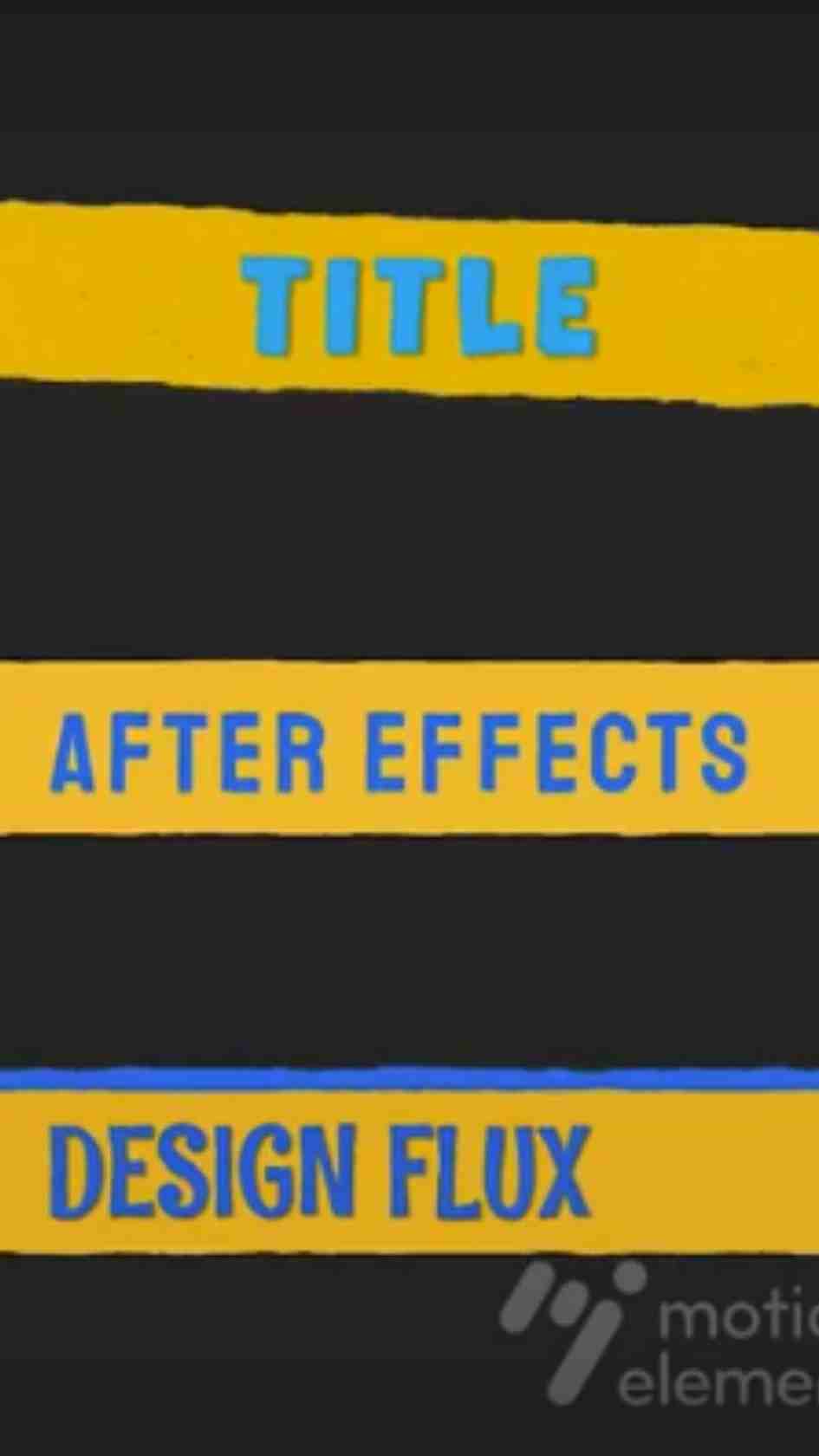
Wiggle Lower Third, a playful Premiere Pro MOGRT lower third template with organic bounce animation. Download on MotionElements.
Download FREEGo Pro To DownloadDownload NOW!Download On MotionElements
A perfectly smooth, mechanically precise lower third isn't always what a project actually needs, sometimes a little organic bounce and imperfection genuinely reads as more alive and engaging than clinical precision. Wiggle Lower Third, available through MotionElements, is built around exactly this idea, a Premiere Pro Motion Graphics Template using playful, springy wiggle animation to introduce names and titles with genuine character rather than mechanical restraint.
If you're building this into a broader lifestyle or vlog style project, our Premiere Pro Shortcuts guide is genuinely useful here, since efficiently navigating the Essential Graphics panel speeds up placing and adjusting several playful lower thirds throughout a longer, more energetic edit. For music with the kind of upbeat, playful energy that pairs naturally with wiggle animation, Artlist carries a genuinely strong selection well suited to this exact style.
Exact resolution, clip count, and file size were not independently confirmed at the time of writing since MotionElements' listing pages require JavaScript to load full specifications. Confirm these specific details directly on the live product page before finalizing a project around exact delivery requirements.
Wiggle animation specifically simulates the kind of small, organic, slightly unpredictable movement associated with genuine physical objects rather than perfectly smooth digital motion. This technique, commonly built using randomized secondary motion layered on top of a primary animation, creates a genuinely lively, energetic quality that purely linear or eased animation simply cannot replicate. In lower third design specifically, this translates into text that feels like it's genuinely settling into place with real physical weight, rather than sliding in with mechanical precision.
This specific quality is exactly why wiggle animation has become such a consistent choice for lifestyle content, vlogs, and any project wanting to communicate genuine warmth and personality rather than corporate polish.
Head to the MotionElements download page and grab the MOGRT file.
In Premiere Pro, go to Window, then Essential Graphics, and use the Browse tab to install your downloaded template.
Drag the lower third directly onto your timeline, positioned above your footage at the appropriate moment.
Switch to the Edit tab within Essential Graphics and update the name and title text fields directly.
Use the Edit tab's color controls to fit your specific brand palette while preserving the template's playful, energetic character.
Play back your timeline to confirm the wiggle animation reads clearly and feels genuinely energetic rather than distracting.
Once satisfied, export your finished sequence using your project's standard export settings.
For a genuinely useful walkthrough of building this exact style of playful, organic motion for use inside Premiere Pro, watch Create Any Type Of Lower Third In After Effects, Tutorial, which covers foundational animation principles directly relevant to understanding how wiggle style motion is actually constructed. This is worth watching specifically because understanding the underlying secondary motion technique clarifies why this template's specific style feels genuinely different from more standard, linear lower third animation.
The playful, energetic character suits vlogs and lifestyle content wanting genuine warmth and personality over corporate polish.
Wiggle animation's inherently lighthearted quality suits comedic and entertainment focused content particularly well.
The playful, organic motion style suits content specifically aimed at younger or family audiences.
The genuine energy and character of wiggle animation helps content stand out within a fast scrolling social feed.
Content wanting a genuinely relaxed, approachable tone benefits from this template's playful rather than corporate character.
Wiggle animation's specific charm depends heavily on matching it to genuinely appropriate content, and understanding this distinction helps you use the template more effectively. For content that's already inherently playful, comedy, lifestyle, kids content, this style reinforces and amplifies the existing tone. For content that's more serious or professional in nature, corporate presentations, formal interviews, news style content, the same playful wiggle motion can read as genuinely mismatched, undermining rather than supporting the project's actual intended tone.
Since wiggle animation communicates such a specific, genuinely distinctive tone, it's worth using this template as a deliberate extension of your broader brand personality rather than an isolated stylistic choice made for a single project. Creators and brands genuinely built around approachability, warmth, and personality benefit from using this same playful animation style consistently across their regular content, reinforcing that specific brand character every time a viewer encounters it. This kind of consistent application over time builds genuine recognition, where the specific bounce and energy of this template's animation becomes subtly associated with your particular content in a viewer's mind.
Since this template's wiggle animation already carries considerable inherent energy, it's worth considering how it interacts with your surrounding edit's overall pacing. Pairing genuinely energetic wiggle animation with a slow, contemplative edit can feel tonally mismatched, while pairing it with an already fast paced, high energy edit reinforces a cohesive overall feeling. Considering this relationship deliberately, rather than applying the template regardless of your project's actual surrounding pace, produces a considerably more cohesive finished result.
Using this template for content that's tonally mismatched with its playful energy. Reserve it specifically for genuinely lighthearted or casual projects.
Overusing wiggle intensity to the point of distraction. A subtle amount of organic motion reads as charming, excessive amounts can undermine legibility.
Forgetting the template is a MOGRT rather than a native project file. All customization happens through Essential Graphics directly in Premiere Pro.
Ignoring color contrast against your actual background footage. Confirm your text remains legible against the specific footage the lower third appears over.
As with any MotionElements asset, reviewing the current license terms before using this template within paid client or commercial work is worth doing upfront, particularly for lifestyle and entertainment brand work where licensing clarity carries genuine weight.
Wiggle animation adds small, organic, slightly randomized secondary motion to a primary animation, creating a genuinely lively quality distinct from perfectly smooth, linear motion.
No, it's a Premiere Pro Motion Graphics Template, fully editable within the Essential Graphics panel.
Lifestyle content, vlogs, comedy, kids content, and casual social media content all genuinely benefit from its playful energy.
Generally not, its playful character is specifically suited to lighter, more casual content rather than formal or corporate use.
Check the specific controls exposed within Essential Graphics for this template, many wiggle style MOGRTs include adjustable intensity settings.
Wiggle Lower Third gives Premiere Pro editors a genuinely distinctive way to introduce speakers with real character and energy, filling a tonal niche the more restrained minimal lower third styles don't cover. Understanding when this playful animation genuinely earns its place, and using it specifically for content that matches its inherent energy, gets you the most value from this template across vlogs, lifestyle content, and any project wanting genuine personality over corporate polish.
Affiliate Disclosure: This post may contain affiliate links. If you make a purchase through one of these links, FreeVisuals may earn a commission at no extra cost to you. We only recommend products and platforms we genuinely believe in. Read our full disclosure policy.

Download free video templates, LUTs, and presets for Premiere Pro, After Effects, DaVinci Resolve, CapCut, and Final Cut Pro.












