.avif)
Freevisuals
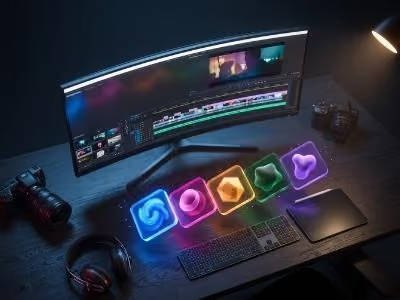
Say hello to the Video Editing Storage Needs Calculator, a must-have tool for Freevisuals.net that helps video editors determine how much storage they’ll need for their projects. Whether you’re cutting 1080p vlogs, mastering 4K cinematic sequences, or tackling 8K RAW footage in Adobe Premiere Pro, DaVinci Resolve, or Final Cut Pro, this calculator takes the guesswork out of planning your SSD or HDD requirements. It’s ideal for creators looking to pair their setup with Freevisuals.net’s top picks, like laptops under $700 or 8K editing PCs, ensuring you never run out of space mid-project.
Simply input your project duration, resolution, frame rate, and codec type (e.g., H.264, ProRes, RAW), and the calculator estimates your total storage in gigabytes (GB). From lightweight H.264 files to hefty ProRes 4444 masters, it adjusts for variables like bitrate and compression, delivering precise recommendations for external drives, internal SSDs, or NAS setups. Paired with Freevisuals.net’s video editing hardware reviews, this tool empowers users to optimize their storage solutions, making it a game-changer for budget-conscious editors and professional workflows alike.

.avif)
.avif)
.avif)
.avif)
%20Profile%20Pic.jpg)