.avif)
Freevisuals

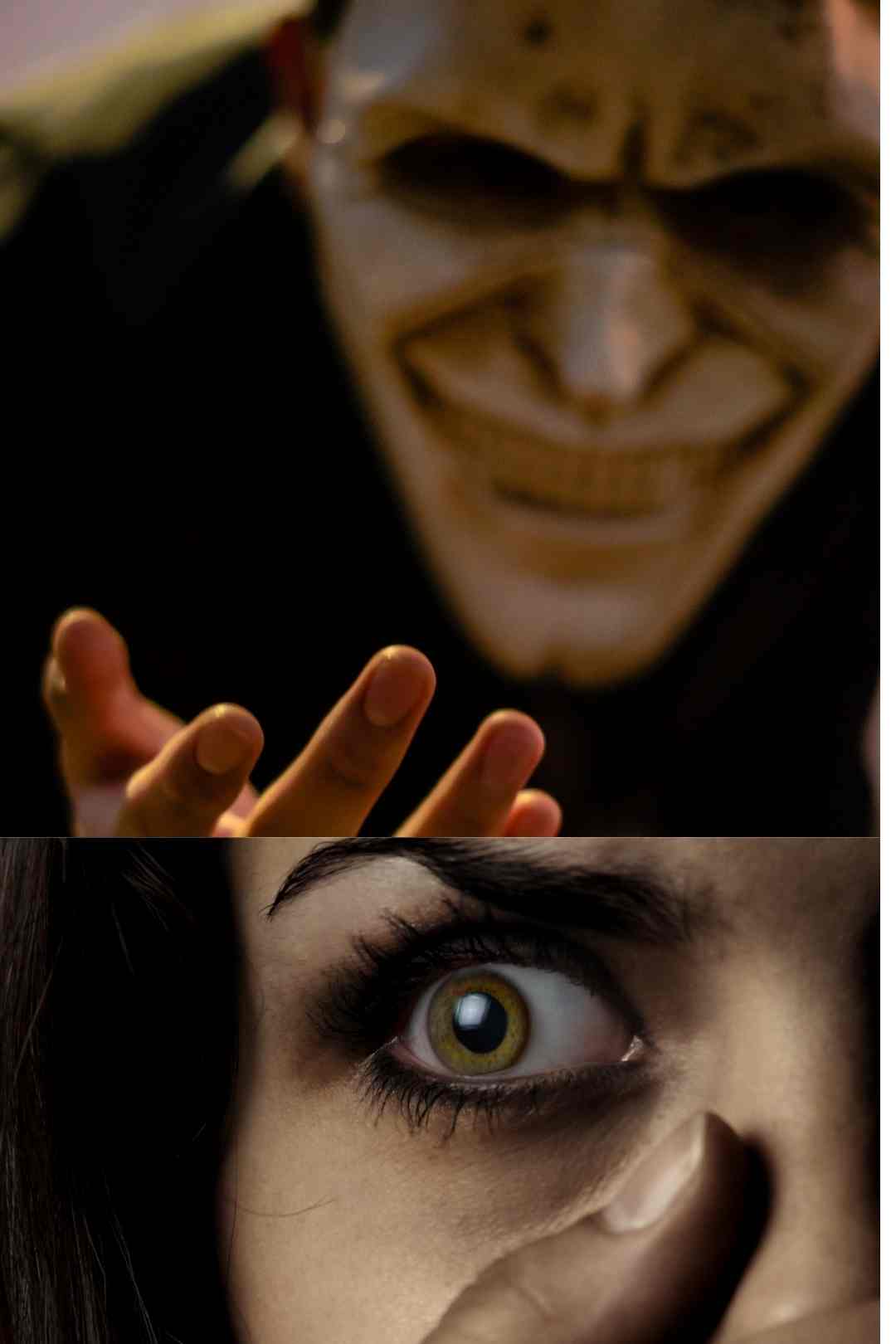
Free AI sound effect prompts for horror, true crime, and thriller YouTube videos, 12 copy paste prompts for ElevenLabs covering every layer of a scene.
Download FREEGo Pro To DownloadDownload NOW!Most YouTube creators spend hours finding the right sound effects and still end up with something that sounds generic. A stock thunder rumble that every other horror channel uses. A creaking door that sounds like it came from a free sample pack in 2009. A jump scare sting that the viewer has already heard fifty times this year.
According to the 2024 Future of the Creator Economy Report, 80% of creators state that audio can make or break their content's success, particularly in high-stakes genres like horror where atmosphere is everything. The problem is not that good sound effects do not exist. It is that finding, licensing, and assembling them into a coherent scene takes more time than most creators have.
This free download gives you 12 copy-paste AI sound effect prompts covering every layer of audio you need for a complete horror investigation scene. Generate each one in ElevenLabs Sound Effects, Adobe Firefly Audio, Meta AudioCraft, or Soundraw, import them into your timeline, and follow the scene assembly guide at the bottom of the file to build a professional-grade sound design bed in under an hour.
And for the creators who want professionally recorded, commercially licensed versions of every sound in this pack, this post covers exactly where to get them and why they are worth the upgrade.
Download the full 12-prompt Horror Investigation Sound Effects Pack free from Freevisuals here
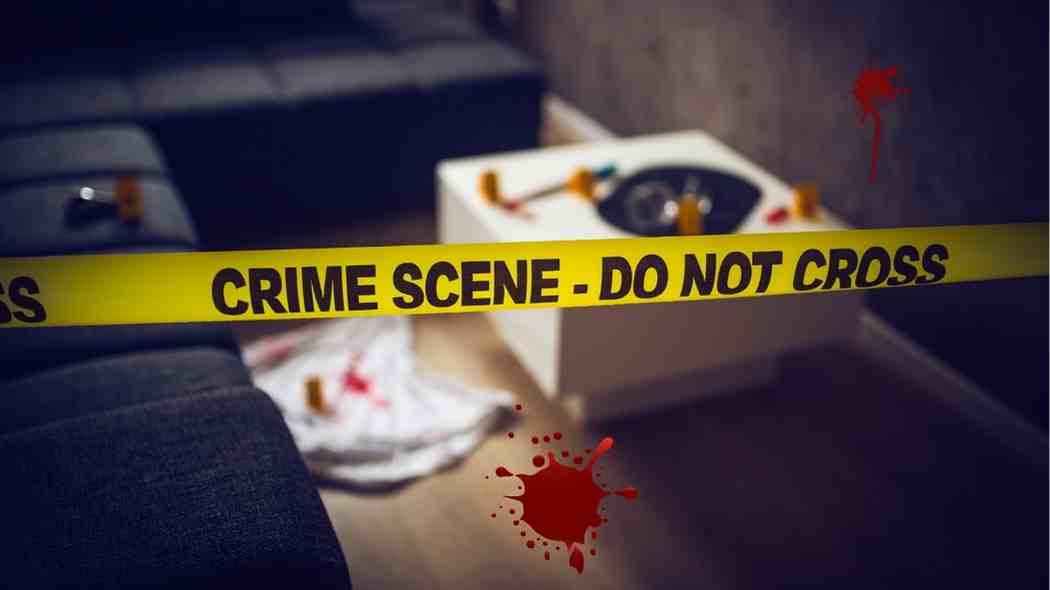
Watch the ten best-performing true crime YouTube channels and then watch ten average ones. The visual quality is often similar. The scripting is often comparable. The difference that stands out immediately, even if the viewer cannot name it, is the audio.
Sound effects create suspense by using non-linear noises such as screeching strings or dissonant orchestral textures to trigger a primal fear response in listeners, and by layering subtle ambient textures with high-impact auditory triggers, sound design manipulates the listener's nervous system to create a believable, immersive atmosphere.
The top channels understand this instinctively. They are not just choosing background music. They are building a three-dimensional soundscape that places the viewer inside the scene. A distant dog barking at 2am. Footsteps on wet concrete. A reel-to-reel tape recorder running in an empty room. A sudden glass break from somewhere off-screen. None of these sounds are expensive or technically complex to produce. But together, layered at the right volumes and positioned correctly in the stereo field, they create the kind of immersive atmosphere that keeps viewers watching and sharing.
The 12 prompts in this pack cover every sound in that scene. The learning curve is in understanding how to use them together, and that is exactly what this post covers.
Before going into the individual sounds, the most important concept to understand is layering. Every professional sound design session, whether for a Netflix true crime documentary or a YouTube channel, is built around the same three-layer structure.
The background layer runs constantly underneath everything else. For a horror investigation scene, this is your distant thunder ambience and your low horror drone. These sounds should be set so low in the mix that the viewer is not consciously aware of them. If someone watching your video notices the thunder, it is too loud. The background layer is felt rather than heard, and its job is to establish the emotional temperature of the scene before anything else has happened.
The environmental layer is everything that places the viewer in a specific physical location. Footsteps. A creaking door. A distant dog. Paper rustling. These sounds are louder than the background layer but still exist to serve the scene rather than draw attention to themselves. They tell the viewer's brain where the narrator or character is and what they are doing, which makes the whole thing feel real rather than recorded.
The foreground and dramatic layer contains your intentional audio events. The jump scare sting. The sudden glass break. The reel-to-reel tape recorder starting up. The telephone ringing in an empty room. These sounds are meant to be noticed. They punctuate the story. And they are effective precisely because the two layers underneath them have established an expectation of a certain kind of quiet that these sounds then violate.
For a full foundation on how this layering system works in practice across different editing tools, this tutorial covers the complete sound design workflow for video creators clearly: Everything You Need to Know About Sound Design in 2025.
For a more focused look at building horror atmospheres specifically from scratch using synthesis and layering techniques, this tutorial is worth watching before you start assembling your scene: How To Sound Design Horror Atmospheres.
The foundation of the entire scene. This generates as a 60 to 90-second looping ambient track that runs underneath everything else from the first second to the last. Set it at -26dB. The viewer should feel the presence of a storm without consciously registering it as a separate audio element.
The prompt in the download generates multiple overlapping thunder rumbles at different distances, with a very faint rain ambience underneath. The key characteristic is that the thunder never cracks or startles. It rolls. The difference between a thunder crack and a rolling rumble is the difference between a jump moment and a sustained dread, and this scene needs dread.
Generate three to five variations of this prompt. A single creak sounds like an effect. Three different creaks placed at different points in the timeline sound like a person moving through a real building. The prompt generates a slow, drawn-out creak with a secondary smaller creak as weight shifts, with slight room reverb suggesting a large empty space.
Pan slightly left or right rather than centring this sound. A sound that comes from one direction in the stereo field is more convincing and more unsettling than a centred mono effect.
The placement timing of this sound matters as much as the sound itself. Place it one to two seconds before the visual cut to the open door. The viewer hears the door before they see it, which builds anticipation rather than simply confirming what the image shows. A door opening that the viewer sees and hears simultaneously is an event. A door opening that the viewer hears first is a threat.
This is one of the most genre-specific sounds in the pack. The mechanical sound of a vintage tape transport, the subtle flutter in the tape speed, the characteristic hiss of old magnetic tape running across a playback head. These are sounds that viewers of true crime content associate immediately with archive evidence, police interview recordings, and confession tapes.
The download also includes a variation prompt for generating the tape running out and the machine slowing to a stop, which is an effective sound for ending a segment or signalling the conclusion of a piece of evidence.
Do not lower the volume on this one. A telephone ringing in an otherwise quiet scene is one of the most psychologically effective interruptions in the horror and thriller vocabulary precisely because it demands a response. The viewer's nervous system is wired to respond to a ringing telephone. Let it ring at foreground volume and let the viewer feel the urgency.
The prompt generates an old analogue double-ring pattern, three complete ring cycles, unanswered, in a large empty room. The unanswered quality is as important as the ring itself.
The detail that makes this sound effective rather than generic is the prompt specification of the dog sounding alarmed rather than playful. A dog barking because it is happy to see someone is noise. A dog barking at something in the dark that it cannot identify is information, and viewers process it as such without realising it.
Position this sound in one channel only, left or right, at mid volume. A distant sound positioned in one ear suggests a specific direction in the world of the scene, which is significantly more unsettling than a centralised ambient sound.
A small sound but an important one for true crime content specifically. The sound of case files being handled, of photographs being picked up, of old documents being sorted through, carries a specific cultural weight for viewers of this genre. It signals evidence. It signals discovery. It places the viewer in the moment of someone going through materials that they perhaps should not have access to.
The download includes a variation prompt for generating the sound of a single photograph being lifted from a hard surface, the slight adhesion and release as the print lifts. That specific detail reads immediately to any true crime viewer.
The most important single sound in the pack for sustained atmosphere, and the one that most creators either skip or mix too loudly. Set this at -28dB, below the thunder ambience. It is subconscious. The viewer should feel it without hearing it.
Horror sound design triggers the startle reflex and can increase cortisol levels by mimicking biological distress signals, with the low-frequency ambient horror drone being one of the most consistently effective tools for establishing a sense of impending doom before a threat even appears on screen.
The prompt generates a sustained sub-bass frequency centred around 60 to 80Hz with subtle harmonic overtones and a faint dissonant string texture above it. It is designed to loop without an audible seam.
Use this sound once per video. This is not a guideline, it is a rule. The effectiveness of a sudden orchestral hit depends entirely on the viewer not expecting it. Use it twice and the second hit is just loud. Use it once, at the single most dramatic moment in your content, and it is genuinely arresting.
The prompt generates an immediate attack with no build-up, a combination of low brass, screeching strings, and a deep explosive percussion hit arriving simultaneously, with a reverberant dissonant decay over 1.5 seconds. The download instruction to drop all background layers to near silence for one full second before the sting fires is as important as the sting itself. The silence before the hit is what makes the hit.
The most psychologically complex sound in the pack. When a viewer hears glass break from somewhere off-screen in a horror or investigation scene, their brain immediately generates the question: what broke it? That question, and the silence that follows it in the download's mixing instructions, generates more sustained tension than any single dramatic sound.
Do not fill the silence after the glass break with narration immediately. Let it run for two full seconds. The silence is the tension.
The variation suggested in the download file is the most useful creative direction here: footsteps stopping abruptly mid-sequence as if the walker has heard something. The sudden cessation of movement implies awareness. It implies that something in the environment has changed. It implies danger without stating it. This is the kind of detail that makes a viewer pause the video and check the timestamp so they can rewatch the moment.
The most dramatically versatile sound in the pack. The prompt generates a signal degrading into static with barely audible voice fragments buried in the noise, a high-pitched feedback whine appearing briefly in the middle, and then complete silence at the end.
The most effective placement is as an interruption of another sound. Have the narration or a music track running at normal volume and then cut to this mid-sentence. The interruption of expected audio is more disturbing than the static itself.
AI sound generation has come a long way in the past two years and the tools referenced in the download file produce results that are usable for most YouTube content at 1080p viewing. But they have a ceiling.
The highest quality horror and true crime content uses professionally recorded sound effects captured by audio engineers with specialised equipment in controlled acoustic environments. A recording of real timber floorboards in a real Victorian house at 96kHz 32-bit is not the same thing as an AI model's interpretation of what that might sound like, and the difference is audible on good headphones.
For creators who are building a serious channel with monetisation as the goal, the case for moving to a professionally licensed sound effects library is strong, and the three platforms below are the best options in this space.
Epidemic Sound is the strongest all-in-one option for YouTube creators specifically because of how its licensing works. When you register your YouTube channel with Epidemic Sound, every sound effect and music track you use is covered retroactively across all your uploads. That means even older videos that are currently generating revenue stay protected without you needing to go back and relicense anything.
Epidemic Sound offers a catalogue of over 250,000 sound effects and variations, with dedicated horror and suspense categories, and unlike unverified audio sources that can lead to copyright strikes, a royalty-free licence provides the legal permission to use assets across multiple platforms without the risk of demonetisation.
The horror and suspense category within Epidemic Sound's SFX library is particularly strong. You will find exactly the type of sounds covered in this pack, distant thunder, building drones, door creaks, atmospheric stings, all recorded at professional quality and cleared for commercial YouTube use. The sound effects subscription is included with the standard music subscription, which makes it exceptional value for creators who need both music and SFX covered.
Artlist takes a different approach to sound effects and it is one that suits creators who work on more than just YouTube. An Artlist subscription covers commercial use of every sound effect and music track across all platforms including YouTube, Instagram, TikTok, Vimeo, broadcast, and client work under a single annual licence.
For horror and thriller content specifically, Artlist's cinematic SFX library includes high-quality recordings of every sound type covered in this pack and significantly more. The search and filtering interface is clean and fast, which matters when you are mid-edit and need a specific sound quickly.
The downloadable stems feature, which is primarily thought of as a music feature, also applies to some of Artlist's sound effect packs, letting you access individual elements of a layered sound design pack separately rather than only as a mixed output.
Envato Elements is the broadest library option in this list. A single monthly subscription gives you unlimited downloads across sound effects, music tracks, After Effects templates, video footage, graphics, and fonts. For creators who are building out a complete production toolkit rather than just a sound effects library, the breadth of what Envato covers under one subscription price is difficult to match.
The horror and cinematic sound effects section on Envato Elements includes premium packs from professional sound designers, often the same designers who work on film and television productions. If you are looking for highly specific character sounds within the horror investigation genre, including vintage recording equipment sounds, old building environments, and specifically designed horror stings and atmospheric drones, Envato Elements has depth that the other platforms do not always match in specialist categories.
Once you have generated or downloaded your sound effects, the mixing workflow is the same regardless of which editing tool you use.
Import all your sound files into your project and create dedicated audio tracks for each layer. In Premiere Pro or DaVinci Resolve, label your tracks: Background, Environmental, Foreground, and Dramatic. This organisation makes it much easier to adjust entire layers at once rather than managing every clip individually.
Set your background track levels first. The thunder and drone should be set and then not touched again. Every other volume decision is made relative to these constant layers. If the thunder feels too loud after you have added the other layers, turn it down. If the drone is starting to register consciously in the mix, drop it 2dB.
Set your environmental sounds at roughly three times the volume of the background layer. These should be noticeable but not jarring. Footsteps should sound like they are in the room, not in the viewer's ear.
Save your foreground and dramatic sounds for last. Place them at their full intended volume relative to everything else, then listen back to the whole section. The jump scare sting in particular often needs to be slightly lower than your first instinct because everything else in the scene has been deliberately quiet and the contrast does the work.
For importing and working with sound effects in CapCut, this tutorial covers the basics of adding and adjusting audio in CapCut clearly: Horror Sound Effects CapCut Mobile Tutorial.
For creators editing in Filmora, the audio ducking and equalisation tools in Filmora handle this layering workflow cleanly with minimal manual keyframing required.
For voiceover narration that matches the dark, authoritative tone of a horror or true crime investigation, ElevenLabs is the AI voiceover tool that produces the most convincing narrator voices for this genre. If you are also using ElevenLabs to generate sound effects from these prompts, having both the voice and the sound effects generated in the same platform simplifies your workflow.
Yes, in most cases. ElevenLabs' paid plans allow commercial use of generated outputs. Meta AudioCraft is open source and outputs are generally usable commercially. Always check the specific terms of whichever generation tool you use. For channels that are already generating significant ad revenue, the copyright clarity of a licensed library like Epidemic Sound or Artlist is worth the subscription cost.
Most well-produced true crime YouTube videos use between 8 and 20 individual sound effect events across a 15 to 20-minute episode, plus two constant ambient layers running throughout. The common mistake is either using too few (which makes the audio feel bare) or too many (which creates noise rather than atmosphere). The three-layer system described in this post gives you the right structural framework to answer this question for each specific video based on its content rather than a fixed number.
The low horror drone, Prompt 08 in this pack. Not because it is the most noticeable, but because it is doing the most work for the least money in terms of listener attention. A sustained sub-bass drone at the right frequency physically affects how the viewer feels without them being conscious of why. It is the difference between a viewer who describes your video as "atmospheric" and a viewer who describes it as "just okay."
No. You need a video editing tool that supports multiple audio tracks, which includes Premiere Pro, DaVinci Resolve, Final Cut Pro, Filmora, and CapCut. Generate the audio files in your chosen AI tool, download them as WAV or MP3, and import them into your editing project the same way you would import any other audio file.
A music track establishes emotional tone and sustains it over time. A sound effect marks a specific moment or event. In a well-produced horror or true crime video, both are present simultaneously in the mix but they are doing completely different jobs. The music is the emotional architecture. The sound effects are the furniture inside that architecture. This is why the drone and the thunder in this pack are described as background sounds even though they are technically sound effects rather than music: they are doing the job of a music track (sustained emotional tone) rather than the job of a conventional sound effect (marking a specific event).
ElevenLabs Sound Effects currently produces the most accurate and detailed outputs for the specific sounds in this pack, particularly the reel-to-reel tape recorder (Prompt 04), the vintage telephone (Prompt 05), and the radio static (Prompt 12), where specific mechanical and electronic qualities are important. Adobe Firefly Audio handles atmospheric sounds like the thunder and drone well. Stable Audio is the strongest option for the low horror drone specifically.
The sound effects prompt pack sits alongside a growing library of structured AI prompt downloads on Freevisuals, each one built for a specific content creation use case.
The 10 True Crime Cinematic YouTube Thumbnail AI Image Prompts pack gives you cinematic thumbnail background prompts for Midjourney and OpenArt AI covering every major true crime content type.
The 10 Cinematic Background Music Prompts for YouTube covers Suno AI and Udio with background score prompts for ten different video types including a dedicated true crime investigation bed track.
The Free After Effects Glitch Transition Presets on Freevisuals work well alongside the jump scare sting from this pack, with a glitch cut timed to the sting hit creating one of the most effective dramatic moments available to a YouTube editor.
The Free Mega Cinematic LUT Pack ties together the visual side of the production, with dark, desaturated grades that match the atmospheric tone of the sound design layer in this pack.
The Free Smoke and Fog Overlay adds visual depth to investigation scene footage in the edit.
The Best After Effects Plugins Guide and After Effects Glitch Plugins Guide cover the compositing tools that work best alongside this kind of dark cinematic audio production.
Download the full Horror Investigation Scene AI Sound Effects Prompt Pack free from Freevisuals
Disclosure: This post contains affiliate links. If you purchase through these links, Freevisuals may earn a small commission at no extra cost to you.
Download free video templates, LUTs, and presets for Premiere Pro, After Effects, DaVinci Resolve, CapCut, and Final Cut Pro.




%20Profile%20Pic.jpg)








