.avif)
Freevisuals

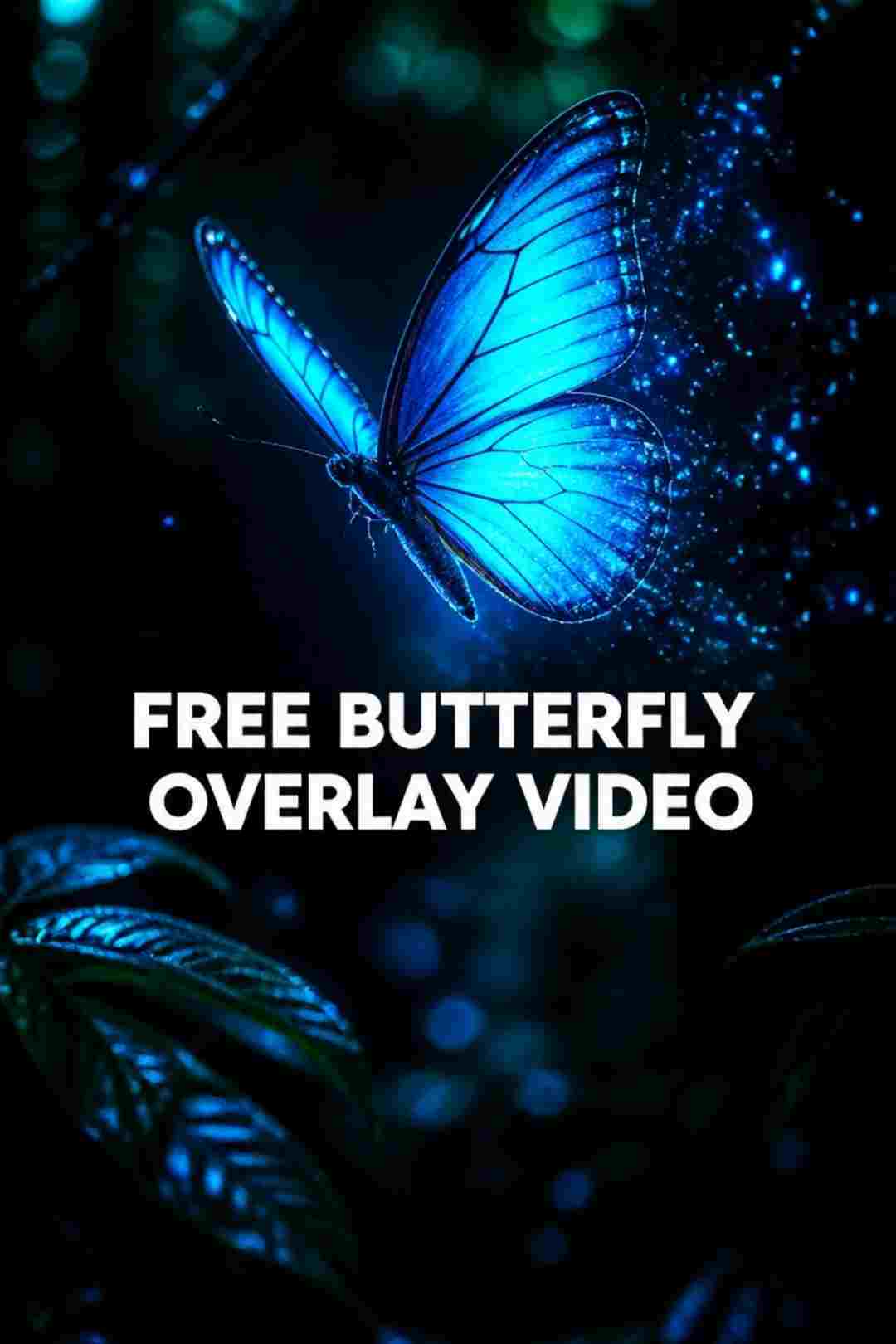
Download the free Blue Butterfly Overlay Video. An animated glowing cyan blue butterfly with light particles on a black background. Works with Screen blend
Download FREEGo Pro To DownloadDownload NOW!The Blue Butterfly Overlay Video is a free animated video asset featuring a single glowing butterfly rendered in vivid cyan and blue tones on a pure black background. The butterfly's wings glow with a soft internal light that gives it a bioluminescent, magical quality, and fine light particles trail from the edges of its wings as it moves, scattering like luminous dust through the frame around it. The combined effect is of something alive, beautiful, and slightly otherworldly, a creature that belongs both in nature and in a dream.
The animation sits on a black background, which means applying the Screen or Add blend mode in any editing software makes the black instantly transparent. What remains is the glowing butterfly floating over whatever footage sits below, bringing its visual qualities, its light, its colour, its symbolic weight, into your edit without any keying or masking work required.
The movement of the butterfly is natural and fluid rather than mechanical. The wings beat with the kind of organic rhythm that references real butterfly flight, which gives the overlay a living quality that distinguishes it from geometric or abstract overlays. It is not just a visual effect. It is a creature, with all the associations and meanings that a butterfly carries in human culture.
This is a free asset available for personal and commercial use with no attribution required.
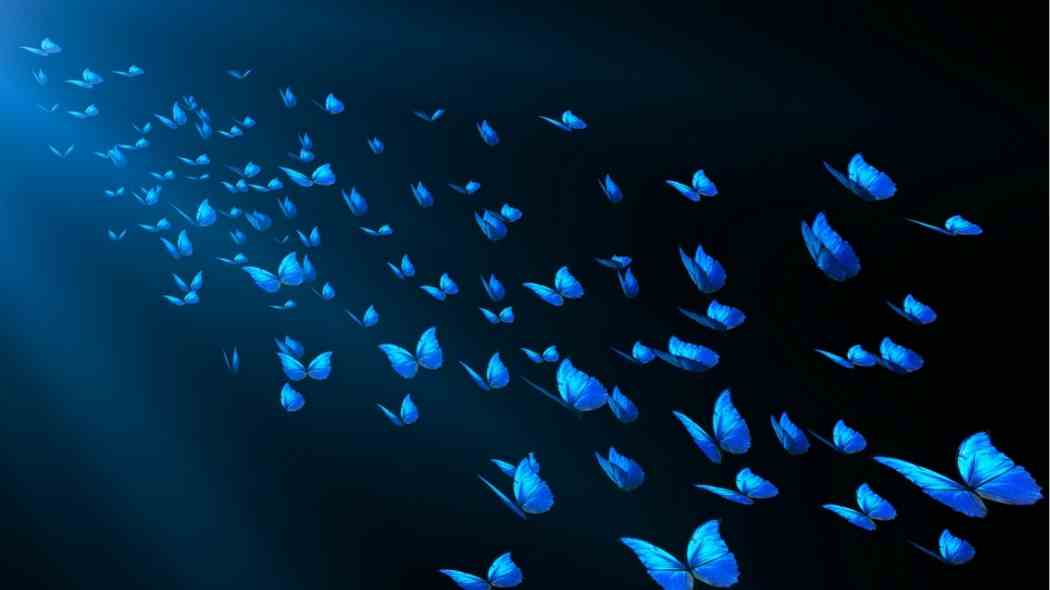
A butterfly is not a neutral visual element. Few natural symbols carry as much cultural meaning across as many different contexts as the butterfly does, and understanding that weight helps you use this overlay purposefully rather than decoratively.
In the broadest sense, butterflies represent transformation. The metamorphosis from caterpillar to butterfly is one of the most dramatic and beautiful transformations in nature, and it has been used as a metaphor for personal change, growth, rebirth, and emergence across thousands of years of human culture and storytelling. When a butterfly appears in a video, audiences read it as a signal about change, even if that reading is subconscious.
Butterflies also carry associations with the soul, with the spiritual world, and with the passage between states of being. In many cultures they are seen as messengers, as representations of loved ones who have passed, or as signs of something important arriving. This gives the butterfly overlay a particular resonance in memorial, spiritual, and personal narrative content.
In contemporary digital culture, the butterfly has become a widely recognised symbol of the butterfly effect, the idea that small actions can have enormous consequences, which has made it a popular visual element in content about decision-making, personal growth, and transformation narratives on social media platforms including TikTok and Instagram.
The specific colour of this overlay adds another layer of meaning. Blue butterflies are rarer in nature than other colours and carry associations with good fortune, wish fulfilment, and the miraculous. The vivid cyan glow of this overlay amplifies those associations, giving it a quality that feels precious and special rather than ordinary.
This is the most natural home for the butterfly overlay. YouTube videos, Instagram Reels, and TikTok content about personal development, mental health journeys, recovery, self-improvement, and life transitions all benefit from the butterfly as a visual shorthand for change and emergence. Used at the moment of a narrative turn or a significant statement, the butterfly appearing over the footage communicates the theme without the creator needing to state it explicitly.
The butterfly's association with the soul and with those who have passed makes it a deeply appropriate element in memorial videos, anniversary tributes, and content honouring someone's memory. Used carefully and at a considered opacity, the butterfly brings a spiritual quality to this type of content that audiences respond to with genuine emotional recognition.
Butterflies appear in wedding contexts across many cultures as symbols of good fortune, new beginnings, and love. A blue butterfly overlay on a wedding highlight film, particularly on an outdoor ceremony or a first look moment, adds a touch of magic and symbolism that suits the emotional register of the content perfectly.
The ethereal, glowing quality of this overlay suits music video content with a dreamy, emotional, or fantastical tone. Acoustic music, singer-songwriter content, ballads, and R&B material with emotional depth all benefit from the butterfly's visual language. In lyric videos, the butterfly drifting over animated text creates a sense of gentle motion and beauty that holds the eye between text changes.
Any narrative or creative content with a fantastical, supernatural, or magical dimension gains a visual vocabulary from this overlay. The glowing cyan butterfly references the visual language of fantasy storytelling across film, animation, and gaming, making it immediately legible as a signal of the extraordinary.
Beauty brands, wellness creators, yoga and meditation content, spiritual coaching, and personal development creators use butterfly imagery regularly because of its transformation associations. The blue butterfly overlay over a beauty tutorial, a meditation session, or a wellness brand film adds a layer of meaning that speaks directly to the transformation promise at the heart of most wellness content.
Used on nature footage, the glowing butterfly adds a magical, reverent quality that signals the preciousness of the natural world. Environmental content, conservation messaging, and nature documentary material can use this overlay to add visual beauty and emotional weight to footage that aims to inspire care and attention.
The butterfly is one of the most universally recognisable symbols of the natural world for children, and the glowing blue quality of this overlay has an enchanting, storybook quality that suits educational content about nature, science, and the world. Used on a title card or an opening sequence, it creates immediate visual delight.
The butterfly effect trend on TikTok has made animated butterfly overlays one of the most searched visual effects on short-form platforms. A glowing butterfly appearing over a transformation reveal, a before and after, or a meaningful personal moment is a recognised and widely used storytelling device on these platforms. Using this overlay in that context connects your content to a well-established trend while giving you a higher quality asset than most creators have access to.
The overlay has a black background, which means Screen or Add blend mode makes it transparent with no keying required.
Import the overlay into your editing software and place it on a video track above your footage. Change the blend mode from Normal to Screen or Add. The black background disappears immediately and only the glowing butterfly remains visible over the footage below. Adjust the opacity to control how prominently the butterfly appears. Start at 70 percent and adjust from there depending on the brightness of your underlying footage.
Position the butterfly within the frame using the Transform or Motion controls in your software. Consider where in the composition the butterfly should appear relative to your subject. Placing it near a subject's face or shoulder creates an intimate, personal effect. Placing it in the background or drifting through the mid-ground creates a more environmental, atmospheric quality.
Place the overlay clip on a video track above your footage. Select it, go to the Effect Controls panel, find Opacity, and change the Blend Mode from Normal to Screen. Use the Scale and Position controls under Motion to place the butterfly where you want it in the frame. Reduce Opacity to 70 to 80 percent for most content.
For more creative control, duplicate the overlay layer and offset the second copy by half a second. Reduce the second copy to 40 percent opacity. The two butterflies create a sense of depth and gentle movement across the frame.
In the composition timeline, change the Mode of the overlay layer to Screen using the Mode dropdown. Use the Transform properties to reposition and scale the butterfly within the composition. For a more complex effect, use the Puppet tool to add secondary motion to the butterfly's path, making it drift more naturally through the scene.
Place the overlay on a connected clip track above your footage. In the Video Inspector, change the Blend Mode to Screen under the Compositing section. Use the Transform controls to position and scale the butterfly.
In the Edit page, select the overlay clip, open the Inspector panel, and change the Composite Mode to Screen. Use the Transform controls to position the butterfly in the frame. In Fusion you can use a Screen merge node for more advanced compositing options.
Select the overlay clip in the timeline, go to the Video panel, change the blend mode to Screen, and use the Transform panel to reposition and scale.
For a tutorial on using overlay effects with blend modes across multiple editing applications:How to Use Video Overlays with Blend Modes in Premiere Pro:
Reducing the clip speed to 60 or 70 percent gives the butterfly's wing movement a slower, more graceful quality that suits emotional, contemplative content. The slower flight also makes the light particles trail more visibly, enhancing the magical quality of the effect.
The default overlay is cyan and blue. Apply a Hue/Saturation effect on the overlay layer to shift the butterfly toward other colours. Shifting toward purple creates a more spiritual, mysterious quality. Shifting toward warm gold produces a warmer, more celebratory feel that suits wedding and celebration content. Reducing saturation toward white gives the butterfly a purer, more angelic quality.
In After Effects or Premiere Pro, draw a mask on the overlay layer that excludes the area occupied by your subject. This makes the butterfly appear to fly behind the person rather than over them, which looks significantly more integrated and intentional than simply overlaying the butterfly across the entire frame.
Keyframe the opacity of the overlay layer so it fades in gradually from zero over 10 to 15 frames. This makes the butterfly appear to materialise from nothing rather than cutting on abruptly, which suits the magical and symbolic quality of the effect much better than a hard cut.
Duplicate the overlay three times, scale each instance to a different size (100, 70, and 45 percent), and offset each one in position and time by a few seconds. The result is a gentle drift of butterflies at different distances, creating depth and a more naturalistic environment.
The butterfly overlay carries emotional and symbolic weight, and the music you pair it with determines how that weight lands.
For personal transformation, memorial, and emotional narrative content, gentle acoustic music, piano, or soft orchestral tracks suit the butterfly's visual language. The music and the visual should both be moving in the same emotional direction rather than working against each other.
Artlist has a deep catalogue of royalty-free acoustic, emotional, and ambient musicfully licensed for YouTube, TikTok, Instagram, and commercial platforms. Their acoustic and emotional categories are particularly well suited to content that uses this overlay.
For content with a more contemporary, ethereal electronic feel such as R&B, dreamy pop, or ambient music with a digital quality, Epidemic Sound has a strong catalogue of tracks in these styles that pair beautifully with a glowing butterfly visual:.
This Blue Butterfly Overlay is a single standout asset. If you want a broader library of nature overlays, magical particle effects, light leaks, and atmospheric visual elements to use across multiple projects, Envato Elements has a large collection of premium overlay packs covering butterflies, birds, fireflies, bokeh, light leaks, and magical effects in every style and colour. All are available under a single subscription alongside After Effects templates, Premiere Pro projects, stock footage, music, and more:
Screen is the standard choice and works on most footage. It makes the black background transparent while keeping the glowing butterfly visible. Add mode produces a slightly brighter, more intense result. On dark footage both modes look similar. On bright or colourful footage, Screen is safer. Try both on your specific content and choose whichever looks better.
Yes. Apply a Hue/Saturation effect to the overlay layer and drag the Hue slider to shift the butterfly's colour in any direction. The cyan and blue tones shift naturally toward purple, green, warm gold, or any other hue. Combining a Hue shift with a small increase in Saturation gives the colour-shifted butterfly a more vivid, intentional quality.
Recent versions of CapCut mobile include blend mode support, which means this overlay can be used on mobile. Go to the overlay section in your CapCut project, import the butterfly video, and change the blend mode to Screen. The black background should become transparent. On older versions of CapCut mobile the blend mode option may not be available, in which case CapCut Desktop on Windows or Mac is the recommended option.
In Premiere Pro or After Effects, keyframe the Position property of the overlay layer to move the butterfly from one part of the frame to another over the duration of the clip. Move it slowly and along a slightly curved path rather than a straight line for a more natural flight effect. Avoid having the butterfly fly in a perfectly straight line as this looks mechanical.
Check the animation length and whether the start and end frames of the butterfly's wing position match closely enough to loop seamlessly. If not, the simplest approach is to use the full animation once and let it play through. For longer durations, duplicate and crossfade two instances of the overlay with a short dissolve between them.
Yes. Place the overlay in a vertical 9:16 sequence and reposition the butterfly using the Transform or Motion controls to place it within the vertical frame. Scale it appropriately so it is visible and well-proportioned in the narrower vertical format. The butterfly's relatively compact size means it sits naturally in a vertical frame without needing significant rescaling.
Yes. The Free Blue Butterfly Overlay Video is available for personal and commercial use with no attribution required. You can use it in paid client work, brand videos, monetised YouTube and TikTok content, and commercial advertising without any licence restrictions.
Yes. The commercial licence covers client work. Many wedding videographers use nature and butterfly overlays to add a magical, meaningful quality to highlight films, and the blue butterfly's associations with good fortune and new beginnings make it a particularly appropriate choice for wedding content.
Download free video templates, LUTs, and presets for Premiere Pro, After Effects, DaVinci Resolve, CapCut, and Final Cut Pro.













