.avif)
Freevisuals

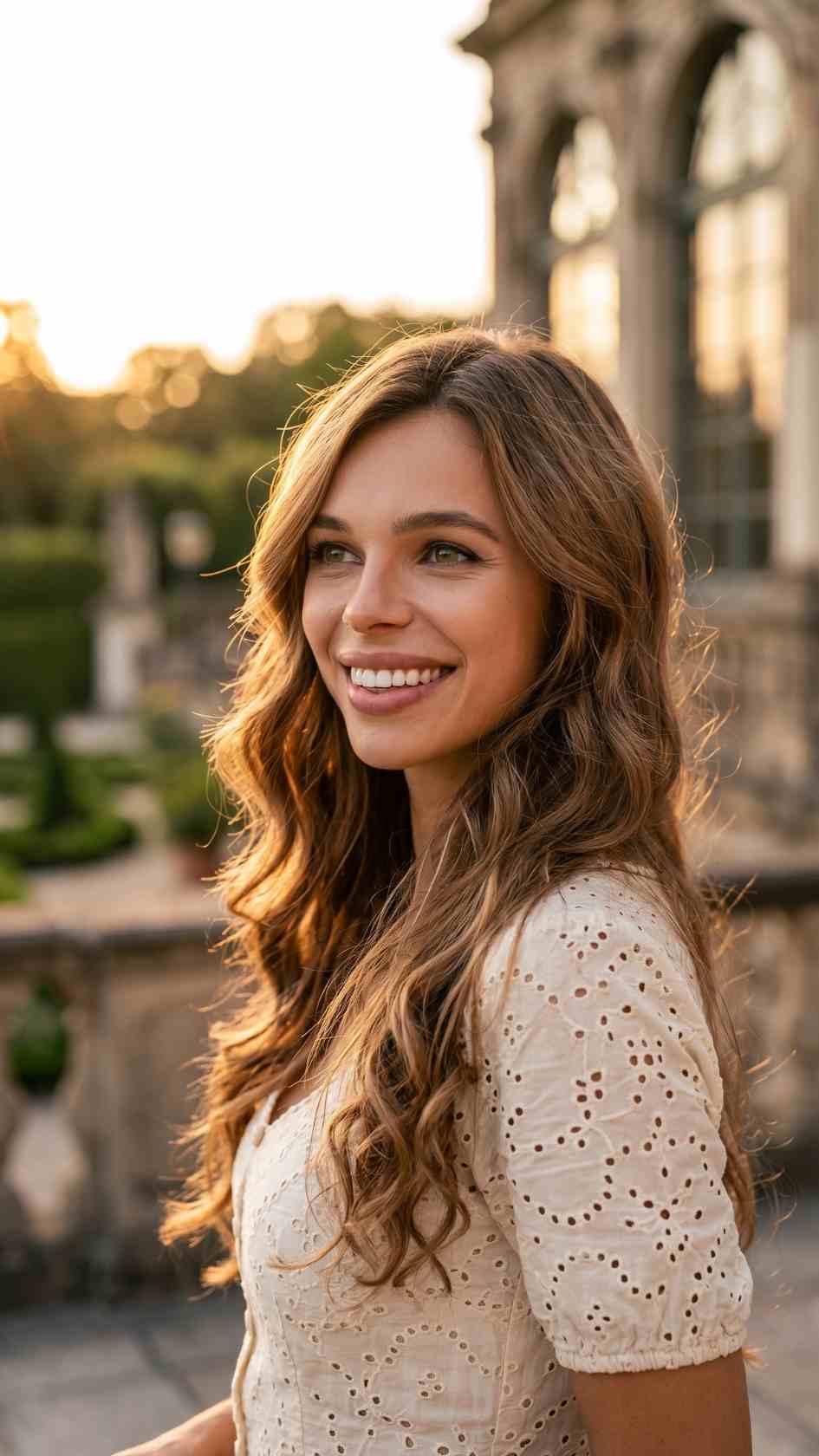
Free CapCut templates for hair transformation videos, perfect for TikTok, Reels, and beauty content creators.
Download FREEGo Pro To DownloadDownload NOW!Hairstyle content occupies a genuinely large and consistently engaged corner of social media, salons, stylists, and beauty creators all compete for attention in a category where the actual visual result matters enormously to how content ultimately performs. Free Trend Hair Style is a CapCut template built specifically to showcase hairstyle transformations, tutorials, or lookbooks with smooth, professionally paced transitions, giving hair-focused content the same polished reveal quality that's helped hairstyle content perform so consistently well across TikTok, Instagram, and YouTube Shorts.
These free CapCut templates are ready to download and edit directly in the CapCut app, no watermark, no subscription required.
If you're building a broader beauty content strategy around this template, our CapCut templates library covers additional trend-based formats to pair with it, and for music suited to beauty and styling content, Artlist and Epidemic Sound both carry trend-friendly tracks well suited to this content category.
Hairstyle transformation content combines several qualities that make it reliably effective across social platforms, a clear, visually obvious before-and-after result, genuine skill demonstration on the part of the stylist, and broad relatability given how universally people think about and care for their own hair and personal appearance. This combination means hairstyle content tends to generate strong engagement across a wide demographic range compared to more niche content categories, making it a genuinely valuable content focus for both individual creators and hair businesses specifically.
Free Trend Hair Style is built to help this content type reach its full visual potential, giving stylists and creators a professional-feeling reveal structure without needing dedicated video editing expertise to achieve it. Since the template's transition and pacing work is already handled, the actual differentiator between different creators using this same template becomes their genuine styling skill and the quality of their finished hairstyle work, which is exactly where a stylist's actual expertise should be the deciding factor in how content performs.
The core use case this template is built for, letting hairstylists showcase their work with the same polished presentation quality as their actual craftsmanship genuinely deserves.
Content specifically showcasing a dramatic color change, cut, or overall transformation benefits from this template's smooth, anticipation-building reveal structure.
Creators teaching a specific styling technique can use this template's structure to organize their tutorial into clear before, process, and after stages that viewers can easily follow along with.
Salons and independent stylists building a social media presence for client acquisition benefit from a consistent, professional-looking template applied across their regular portfolio posts and content calendar.
Businesses selling hair products, extensions, or styling tools can use this template to showcase product results in a genuinely engaging, trend-aware format that resonates with a beauty-focused audience.
Head to the download page and open the template link, which should launch directly within the CapCut app.
Once the template opens in CapCut, tap "Use template" to begin customizing it with your own content.
Tap each placeholder and replace it with your own before, process, and after hairstyle footage or photos.
Play through the template to see how the built-in pacing carries your specific footage through the reveal sequence.
If your specific footage needs slightly different timing, adjust the clip trim points within CapCut's timeline editor.
Update any editable text fields with your salon name, styling details, or personal branding information.
Swap the template's default audio for your own music track if you have a specific song or trend sound in mind.
Play through the complete edit to confirm the pacing, timing, and overall reveal feel polished and professional.
Confirm any added text remains clearly legible against your specific footage before finalizing.
Export at your platform's recommended settings, typically 1080p vertical for TikTok, Instagram Reels, and YouTube Shorts.
For salons and independent stylists, social media has become a genuinely significant client acquisition channel, meaning the consistency and professionalism of a business's content directly affects how potential clients perceive their skill and reliability before ever booking an appointment. A recognizable, consistently applied template like this one contributes to this perception in a way that's easy to underestimate, potential clients scrolling through a stylist's portfolio content form impressions partly based on presentation quality, not purely on the underlying hairstyling work itself, however skilled.
This is part of why investing in a consistent, professional-feeling template for portfolio content pays genuine business dividends over time, beyond simply making individual posts look nicer. A stylist whose entire portfolio uses the same polished, considered presentation format signals a level of professionalism and attention to detail that a haphazard collection of inconsistently formatted posts doesn't communicate as clearly, even when the actual hairstyling quality is comparable between the two.
Using inconsistent lighting between your before and after shots. Significant lighting differences can make a genuine transformation harder to appreciate clearly, or make the result look less impressive than it actually is.
Rushing through the reveal moment. The template's built-in pacing is designed to build anticipation, trimming too aggressively can undercut the payoff this structure is meant to deliver.
Not capturing the final result clearly enough. Since the finished hairstyle is the actual product being showcased, make sure your after footage genuinely does the work justice with good lighting and a clear, well-composed shot.
Overcrowding the template with excessive branding text. Keep any salon or contact information concise, letting the hairstyle work itself remain the primary visual focus.
How to Use CapCut Templates (2025 Guide), Fast And Easy Video Editing, useful for a general walkthrough of customizing a CapCut template like this one with your own hairstyle content.
How to Use CapCut Templates, Full Guide, additional background on the CapCut template customization workflow.
For stylists and salons specifically using social media as a client acquisition tool, consistently applying this template across every client transformation posted builds a recognizable, professional portfolio that potential clients can browse to get a clear sense of a stylist's specific skill and style range. Rather than treating each post as an isolated piece of content, thinking about your portfolio as a whole, ensuring it showcases genuine range across different hair types, lengths, and styling techniques, gives potential clients considerably more confidence that a stylist can deliver the specific look they're hoping for.
Pairing this visual consistency with clear captions describing the specific techniques, products, or styling approach used for each transformation adds genuine educational and trust-building value beyond the visual reveal alone, helping position a stylist as a genuine expert rather than simply someone posting attractive before-and-after content without substantive context.
Beyond a stylist's own portfolio content, this same template can be shared directly with clients who want to document and share their own transformation on their personal social accounts, creating a form of organic, user-generated marketing that extends a salon's reach beyond its own direct following. Many salons specifically encourage this by mentioning the template or offering to help a client create their own transformation post using the same format, turning a single client appointment into content that reaches that client's own personal network as well as the salon's direct audience.
This kind of client-driven content sharing tends to carry a genuine trust advantage over a salon's own promotional content, since content coming from an actual client's personal account often reads as more authentic and less overtly promotional than content posted directly from a business account, even when both are showcasing comparable styling work.
Hairstyle trends shift meaningfully across seasons and in response to broader cultural moments, award shows, celebrity style changes, seasonal color trends, and stylists who plan content around these shifting trends specifically tend to see stronger engagement than those posting purely reactive, unplanned content. Using this template consistently as the presentation format while varying the actual styling content to reflect current seasonal or trend-driven client requests keeps a portfolio feeling genuinely current rather than static.
Building a loose content calendar around known seasonal patterns, holiday styling requests, back-to-school changes, summer color trends, alongside genuine client transformations as they naturally occur, helps ensure a steady stream of content using this template throughout the year rather than experiencing gaps during quieter periods between dramatic client transformations, keeping a stylist's social presence consistently active even when walk-in traffic or booking volume naturally slows.
Yes, it works well for both individual stylist portfolios and broader salon business marketing.
Yes, the template includes editable text fields that can be updated with your specific branding or contact details.
Yes, free for both personal and commercial content, including salon and business marketing.
Yes, you can swap the audio track for your own music choice directly within CapCut's editor.
It's built for vertical, social-first content, suited to TikTok, Instagram Reels, and YouTube Shorts.
Yes, sharing the template directly with clients is a common way to generate additional organic, user-driven content for a salon's broader reach and visibility.
Affiliate Disclosure: This post may contain affiliate links. If you make a purchase through one of these links, FreeVisuals may earn a commission at no extra cost to you. We only recommend products and platforms we genuinely believe in. Read our full disclosure policy.
Download free video templates, LUTs, and presets for Premiere Pro, After Effects, DaVinci Resolve, CapCut, and Final Cut Pro.













