.avif)
Freevisuals

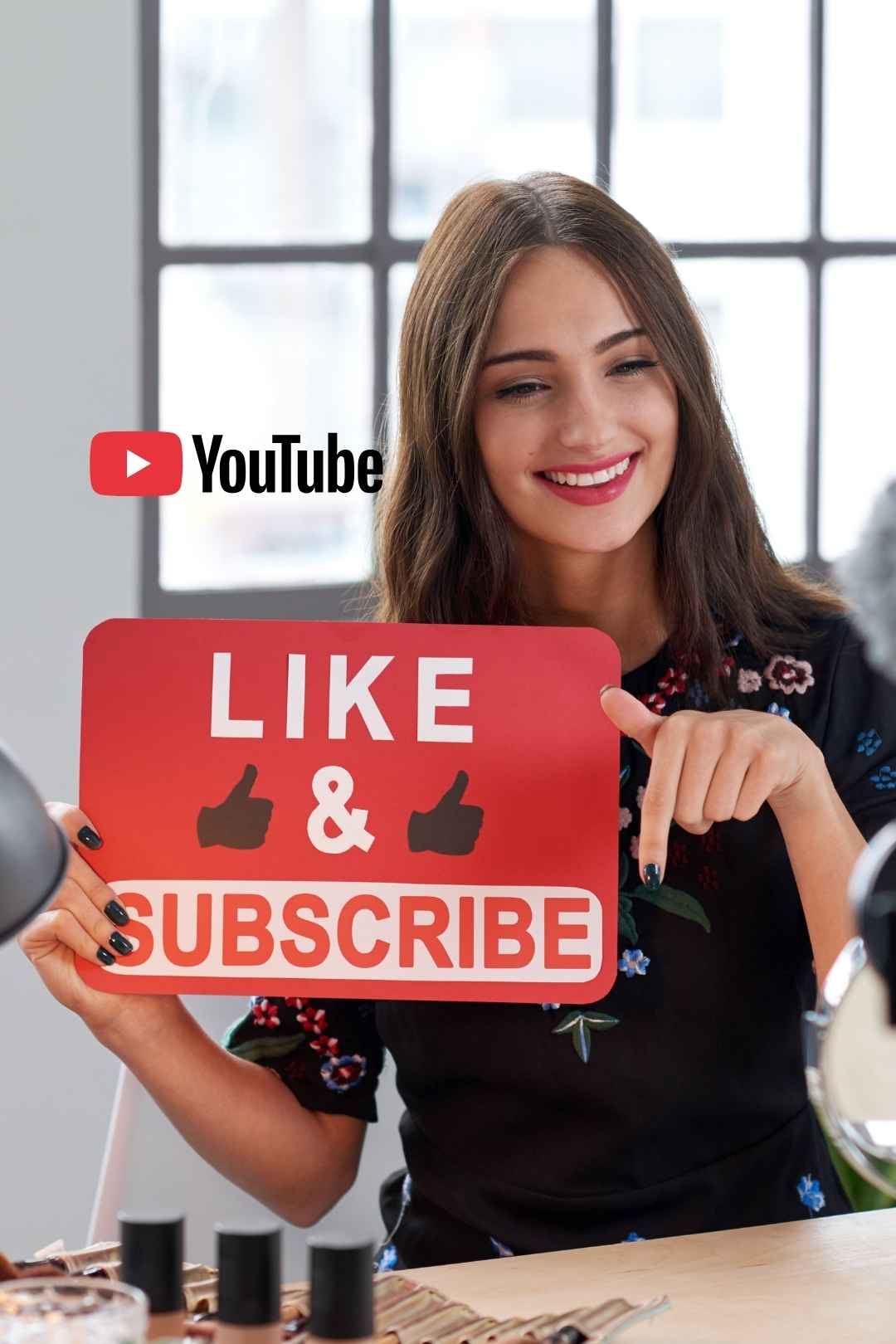
YouTube Booster for Final Cut Pro, a complete graphics and animation pack with intros, outros, lower thirds, CTAs, and branding elements for channels.
Download FREEGo Pro To DownloadDownload NOW!Download
The gap between a video that looks like a genuine YouTube channel and one that looks like a casual upload often comes down to a handful of small, consistent production details, a clean intro, well-designed lower thirds, a polished end screen prompt. YouTube Booster is a Final Cut Pro template built specifically to help close that gap, giving creators a set of ready-made elements designed to add professional polish to a YouTube video without requiring dedicated motion graphics skills.
If you're building a broader YouTube channel identity around this template, our Final Cut Pro templates library covers additional title, transition, and lower third formats to pair with it, and for music suited to YouTube content, Artlist and Epidemic Sound both carry tracks well suited to a channel's overall sound identity.
YouTube viewers, often without consciously registering it, form judgments about a channel's credibility and production quality within the first several seconds of any video, and consistent, well-designed elements, an intro, lower thirds, an end screen, play a disproportionately large role in shaping that first impression relative to how much actual production time they typically require. A channel that consistently uses the same polished intro and lower third style across every video signals a level of intentionality and professionalism that a channel improvising new graphics for every single upload, or skipping them entirely, doesn't communicate as clearly.
YouTube Booster is built to help creators achieve this consistency without needing to build custom motion graphics from scratch for every single element a professional-feeling channel typically includes. Since these elements are reused consistently across many videos once customized, the upfront time investment in setting them up correctly pays dividends across every future video published using the same template, rather than requiring fresh design decisions each time.
The core use case this template is built for, giving a new or growing channel a professional-feeling visual identity without requiring dedicated design resources from the very start.
Creators producing tutorial or educational content benefit from lower thirds and clear visual structure that helps organize information for viewers.
Content featuring guests or multiple speakers benefits significantly from consistent lower third graphics identifying who's speaking at any given moment.
Creators specifically prioritizing subscriber growth benefit from a well-designed end screen and subscribe prompt sequence encouraging viewers to take that specific action.
Established channels looking to refresh their visual identity can use this template to update their intro, lower thirds, and end screen elements consistently in one coordinated pass.
Head to the download page and grab the template files.
Unzip the downloaded folder into a dedicated project directory, keeping it organized alongside your other project assets.
Follow the included installation instructions to place the template elements into Final Cut Pro's Titles or Generators browser.
Final Cut Pro typically needs to be restarted, or the relevant browser refreshed, before newly installed templates appear.
Apply the intro element to a new project, update the text with your channel name, and adjust colors to match your branding.
Apply the lower third element wherever you need to identify a speaker or add supporting context, updating text as needed for each specific use.
Apply the end screen template near the conclusion of your video, updating any text or call to action wording to match your specific video.
Once customized to your branding, save each element as its own reusable preset so future videos can pull from your specific branded versions directly.
Use your saved, customized versions consistently across every new video to build the recognizable visual identity this template is designed to support.
Render and export using your project's standard delivery settings once each element is properly integrated into your video.
Each of this template's three core elements, intro, lower thirds, and end screen, serves a genuinely distinct function within a video's overall viewer retention strategy, and understanding these distinct roles helps explain why all three matter together rather than any single element alone. The intro establishes credibility and sets expectations within the crucial opening seconds, when viewers are actively deciding whether to keep watching. Lower thirds support comprehension and trust throughout the body of a video by clearly identifying speakers or providing helpful context without requiring the presenter to verbally repeat this information. The end screen specifically targets the critical decision point at a video's conclusion, when a viewer is deciding whether to subscribe, watch another video, or simply leave the platform entirely.
YouTube Booster addresses all three of these distinct retention moments together, rather than only solving one piece of the broader viewer journey. This comprehensive approach matters because a channel that nails its intro but neglects its end screen, or vice versa, still leaves meaningful potential subscriber and watch time growth on the table at whichever specific stage remains unaddressed.
Using an intro that's too long relative to typical video length. A lengthy intro on a shorter video can meaningfully hurt retention, keep intro length proportional to your typical content duration.
Inconsistent branding across the three different elements. Mismatched colors or fonts between your intro, lower thirds, and end screen undermine the cohesive identity this template is designed to help build.
Vague or missing calls to action on the end screen. A generic "thanks for watching" without a specific, clear next action leaves potential subscriber growth on the table.
Not saving customized versions for reuse. After investing time in customizing these elements to your brand, save them as reusable presets rather than redoing the customization work for every new video.
DaVinci Resolve Tutorial: Zoom In And Out (Ken Burns Effect), useful background on animating supporting graphic elements, applicable to further customizing lower third and end screen motion within Final Cut Pro as well.
The genuine value in a template like this one comes from consistent, disciplined application across every single video a channel publishes, rather than using it for a handful of videos before drifting back to inconsistent, ad-hoc graphics. Establishing a simple internal checklist, confirming the correct customized intro, lower third, and end screen versions are applied to every new video before publishing, helps maintain this consistency even as a channel scales up its publishing frequency and potentially involves multiple people in the editing process over time.
This consistency compounds in value considerably the longer a channel maintains it, since returning viewers begin to recognize and expect these specific visual cues, reinforcing channel identity and trust with every subsequent video published using the same consistent template elements.
While polished production elements like this template genuinely support viewer retention and subscriber conversion, it's worth keeping this in perspective relative to a channel's broader growth strategy, since production polish alone doesn't substitute for genuinely compelling content, consistent upload scheduling, and effective thumbnail and title strategy. This template works best as one component within a more complete channel growth approach, rather than being treated as a standalone solution capable of driving growth independent of these other genuinely essential factors.
For creators specifically early in their channel's development, prioritizing genuinely useful or entertaining content alongside reasonably professional production values, rather than obsessing over production polish at the expense of actual content quality and consistency, tends to produce stronger long-term channel growth than polish alone could achieve on its own.
Channel branding rarely stays completely static over a channel's lifetime, content focus shifts, audience expectations evolve, and a visual identity that felt current at launch can start to feel dated after a year or two of consistent growth. Building a habit of periodically reviewing your intro, lower third, and end screen elements, perhaps once or twice a year, helps ensure your channel's visual identity continues to feel current and professional rather than gradually falling behind as broader YouTube production conventions shift over time.
When updating these elements, maintaining at least some visual continuity with your previous branding, a consistent color palette or logo treatment, for example, helps returning viewers still recognize your channel through a refresh rather than experiencing it as a jarring, unrelated rebrand. This balance between evolving your presentation and maintaining recognizable continuity tends to serve established channels better than either completely static branding or a jarring, unexplained visual overhaul.
Channel intro elements, lower third graphics, and end screen and subscribe prompt elements, designed to work together as a cohesive channel identity.
Final Cut Pro. Check the specific product page for exact version requirements.
Yes, both are editable directly within Final Cut Pro's standard controls once each element is applied to your project.
Yes, saving your specific branded version as a reusable preset saves considerable time compared to redoing customization for every new video.
Check the specific license terms on the download page to confirm coverage for your intended commercial use case before using it in paid client work.
Production polish genuinely supports retention and subscriber conversion, but works best alongside genuinely compelling content and consistent publishing, rather than as a standalone growth solution.
Affiliate Disclosure: This post may contain affiliate links. If you make a purchase through one of these links, FreeVisuals may earn a commission at no extra cost to you. We only recommend products and platforms we genuinely believe in. Read our full disclosure policy.

Download free video templates, LUTs, and presets for Premiere Pro, After Effects, DaVinci Resolve, CapCut, and Final Cut Pro.












